Printify Mockups vs Lifestyle Photos: The Listing Stack That Gets Clicks
Printify mockups are free and true to the product. Lifestyle photos sell the moment. A slot-by-slot listing stack that uses both, without paying twice for the same job.
If you print through Printify, you already have mockups: its generator makes them free, unlimited and watermark-free for the products in its catalog (Printify's page, read October 18, 2026). So the useful question is not "Printify mockup or something else". It is what each kind of photo does for the listing, and which slot it belongs in.
This guide answers that with a listing stack you can copy. How Printify's generator works step by step, and what its Premium AI scenes include, is on our Printify mockup generator page. Disclosure: we build Hauld, which makes lifestyle photos.
What a Printify mockup is good at
- Fidelity. It shows your design on the exact blank Printify prints, in the color the buyer picks.
- Every variant, free. Change the color or the product and the mockups follow, with no extra file to buy.
- The angles a buyer checks. Flat lays, close-ups and multi-angle views, depending on the product.
- It comes from your production partner. Under Etsy's new photo rules that matters: Etsy's Help Center allows a stock photo mockup authorized by its owner when a production partner prints your design, as covered in our guide to AI mockups on Etsy.
In a listing, that is the photo that says "this is exactly what you get".
Where Printify mockups fall short
- Every Printify seller of a product gets the same templates. Search a popular blank on Etsy and the same flat lay turns up across shops.
- The scenes are generic by design. A template has to fit any design, so it cannot pick a room, a prop or a light for your buyer.
- The AI scenes are rationed. Printify's AI mockups need Printify Premium, with 10 attempts every 24 hours on select products (Printify's page, read October 18, 2026).
So the Printify mockup answers "what is it". It rarely answers "why would I want it", which is the job of the cover photo.
What lifestyle photos add
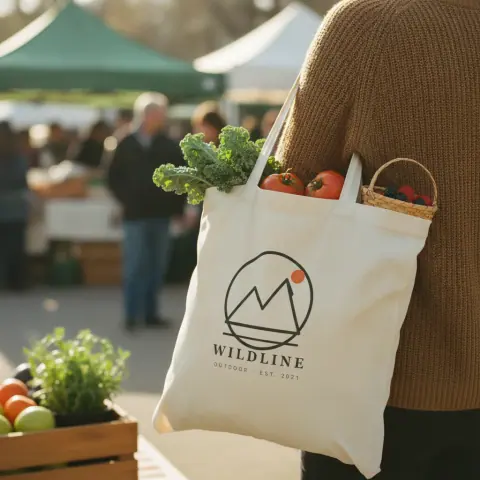
A lifestyle photo puts the product where the buyer pictures it: the mug on a morning counter, the tote on market day, the hoodie on a cold walk. It shows scale without a ruler and mood without a paragraph. When the scene is rendered for your design instead of taken from a shared template, it is also the one photo in the search grid that no other shop has.
The trade-off is fidelity. A lifestyle scene, rendered or shot, is not a color chart. That is why the stack below keeps both.
The listing stack, slot by slot
How to combine Printify mockups and lifestyle photos in one Etsy listing:
- Cover: a lifestyle scene. The clearest scene of your product, readable at thumbnail size. Test it against a Printify flat lay in that slot for a few weeks; Etsy lets you reorder photos at any time.
- The Printify mockup in your main color. The exact blank, right after the scene.
- A second and a third lifestyle scene. Another room or light, the product in use.
- A Printify close-up. Print detail and fabric.
- Color options. Printify's color mockups, or a grid made from them. No need to buy a chart for a blank your provider already renders.
- Size chart. From the blank's specs on your provider's product page.
- Optional: a photo of a sample you ordered, the packaging, a care card.
That is 7 to 9 photos out of the 20 Etsy allows, and each one answers a different question.
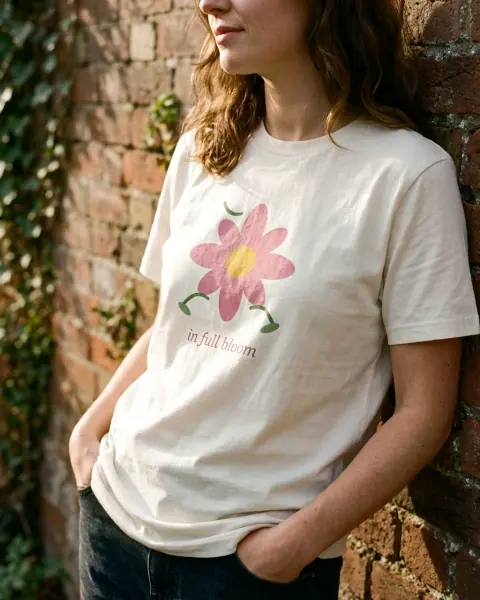 1 Cover: lifestyle scene
- Your print provider's mockup of the exact blank2 The exact blank
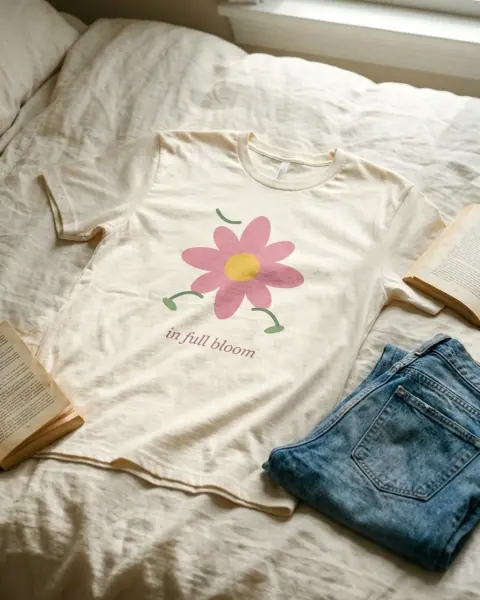 3 Second scene: lifestyle scene
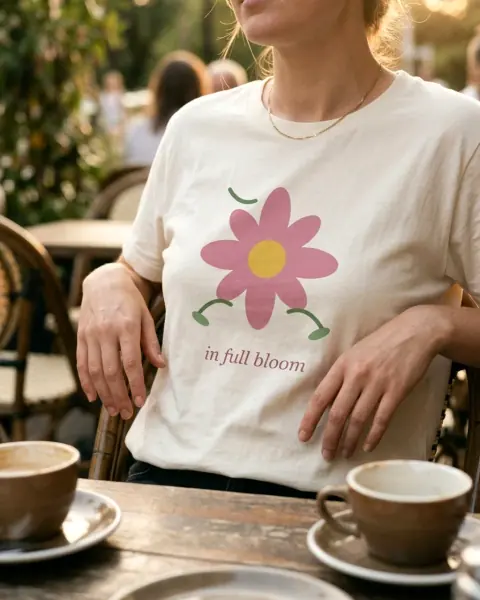 4 In use: lifestyle scene
- Provider close-up of the print5 Print detail
- Provider color mockups, or one color chart6 Colors
- Size chart from the blank's specs7 Size
Example: the lifestyle half of the stack
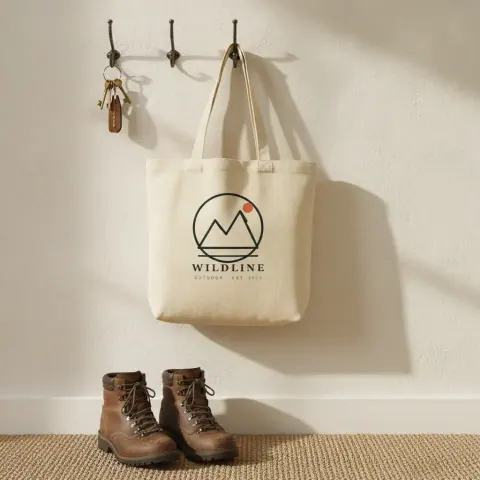
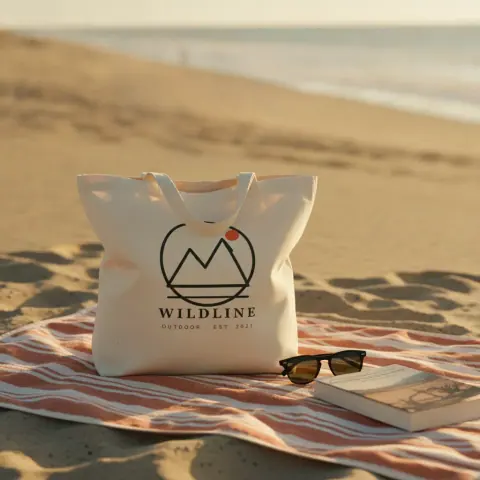
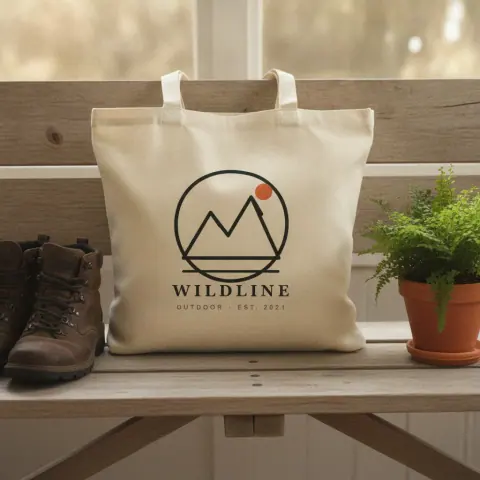
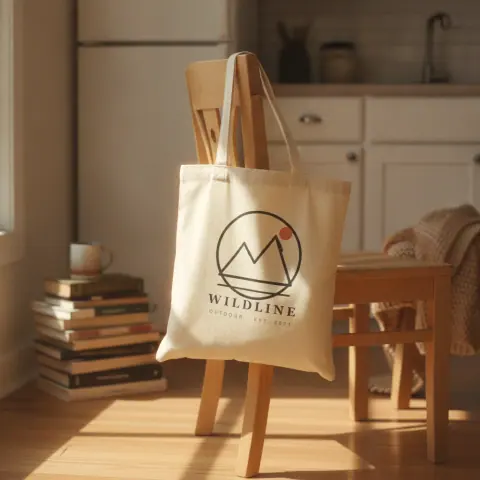
These are the kind of photos that go in slots 1 and 3: one flat design in, five scenes out, with nothing in common with the provider's templates. The provider's mockup of the exact blank would sit right after the first one.
 Design in
Keep the colors honest
Hauld renders a generic product of its category, "a pullover hoodie", "a cotton jersey t-shirt", not the Printify SKU, and you cannot pick the garment color yet. Treat its scenes accordingly:
- The Printify mockup stays the reference for color and cut.
- Check each scene against the variant you sell. If the garment color is one you do not offer, regenerate the photo or leave it out.
- Never use a scene to show a color option: Printify's color mockups do that.
The same rule applies to any lifestyle source, a template or a photoshoot: the scene sells the moment, the provider's mockup proves the product.
What it costs
- Printify mockups: free with a Printify account. The AI scenes need Printify Premium.
- Hauld: a free plan with one haul a month (5 photos at 1024px, a small mark, no card); a $9 pack of 30 photos; the $19 Listing pack for up to 20 designs, each with 5 photos at 2048px plus an Etsy title, 13 tags and a description; Creator at $12 a month for 150 photos.
Hauld does not connect to Printify or to Etsy: you download the photos and the listing text and upload them yourself.
Try it on one Printify product
Take the print file of your best-selling Printify product, the same file you uploaded there, and run a free preview. If the scene works next to your Printify mockup, a free account gives you one full haul a month. When you are ready to refresh the shop, the Listing pack covers up to 20 designs for $19.
Questions sellers ask
Can I use Printify mockups on Etsy?
Yes. Printify’s mockups are free and watermark-free, and Etsy’s Help Center allows a stock photo mockup authorized by its owner when a production partner prints your design (read November 12, 2026). Check Etsy’s Listing Image Requirements for the current wording.
Is the Printify mockup generator free?
Yes, the standard generator is free and unlimited. Only its AI mockups need Printify Premium, with 10 attempts every 24 hours on select products (Printify’s page, read October 18, 2026).
Does Hauld connect to Printify?
No. Hauld makes the photos and, with the Listing pack, the listing text. You keep Printify for fulfillment and upload the photos to Etsy yourself.
Will a Hauld photo match my Printify blank’s color?
Not reliably. Hauld renders a generic product of the category and does not let you choose the garment color yet. Keep Printify’s mockup as the color reference, and drop any scene that shows a color you do not sell.