$15–30 / month forever
- Same t-shirt template as 1,000 other shops
- Centered product on white, reads as catalog
- Subscription that auto-renews every month
- Manual scene swap every shoot
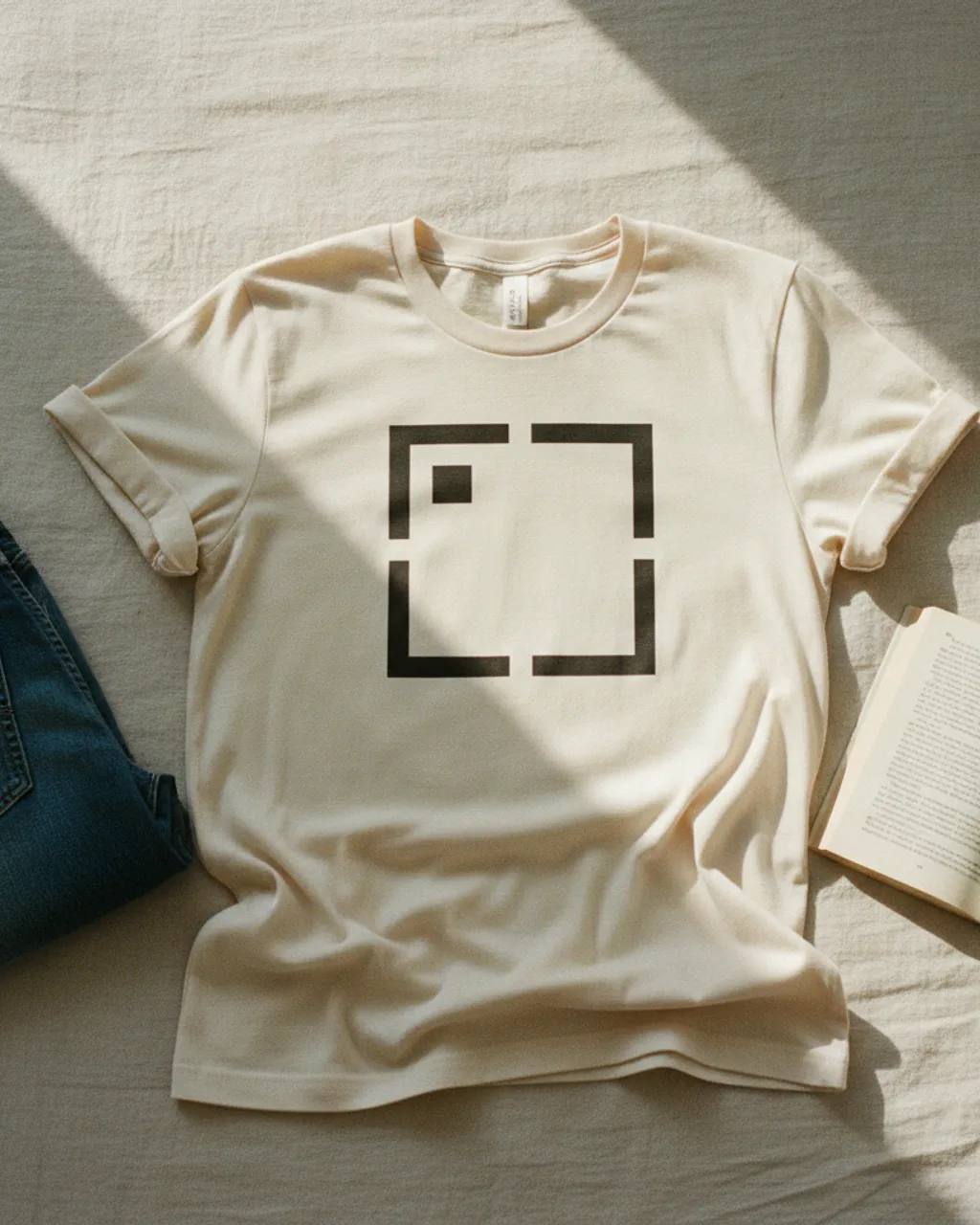
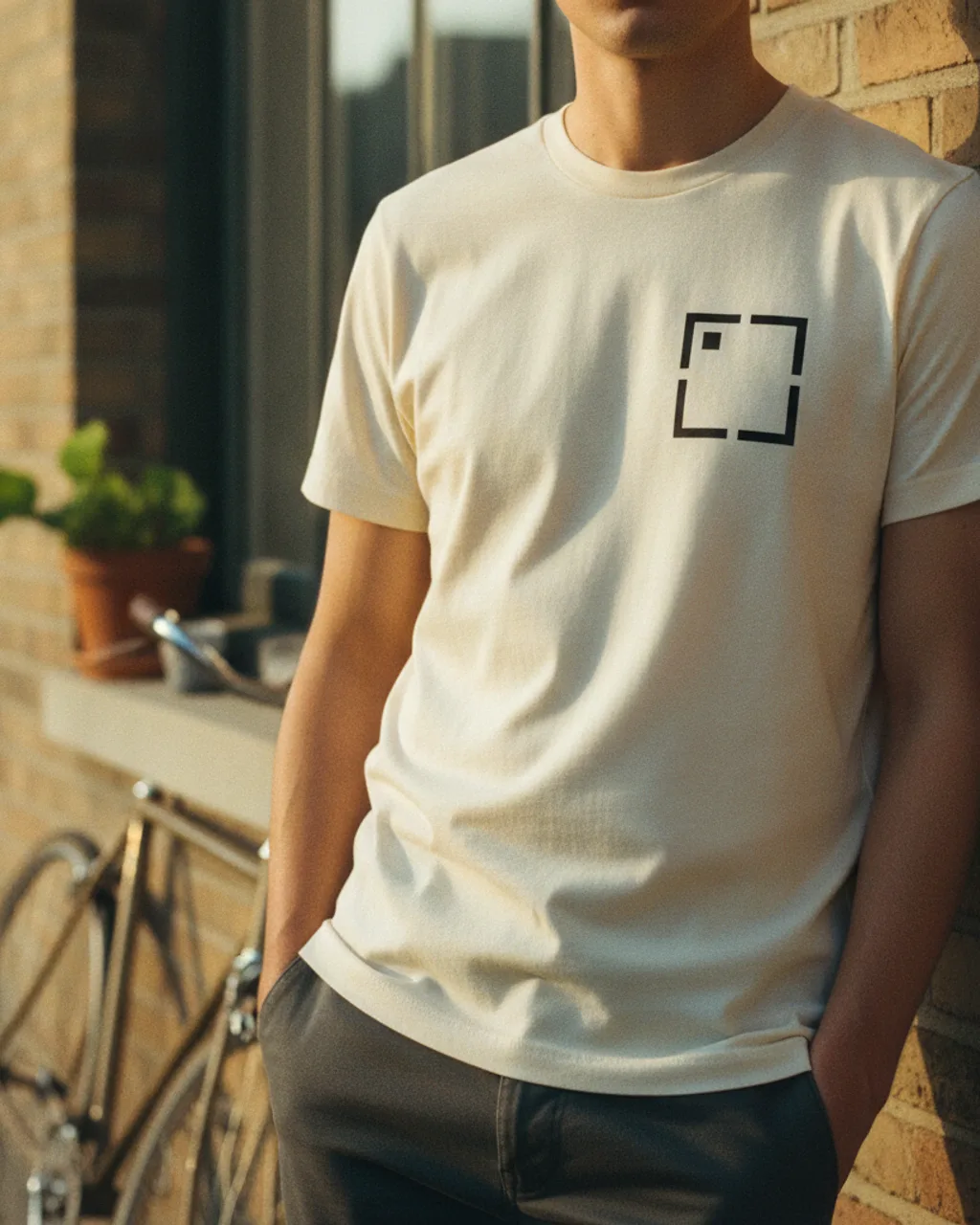
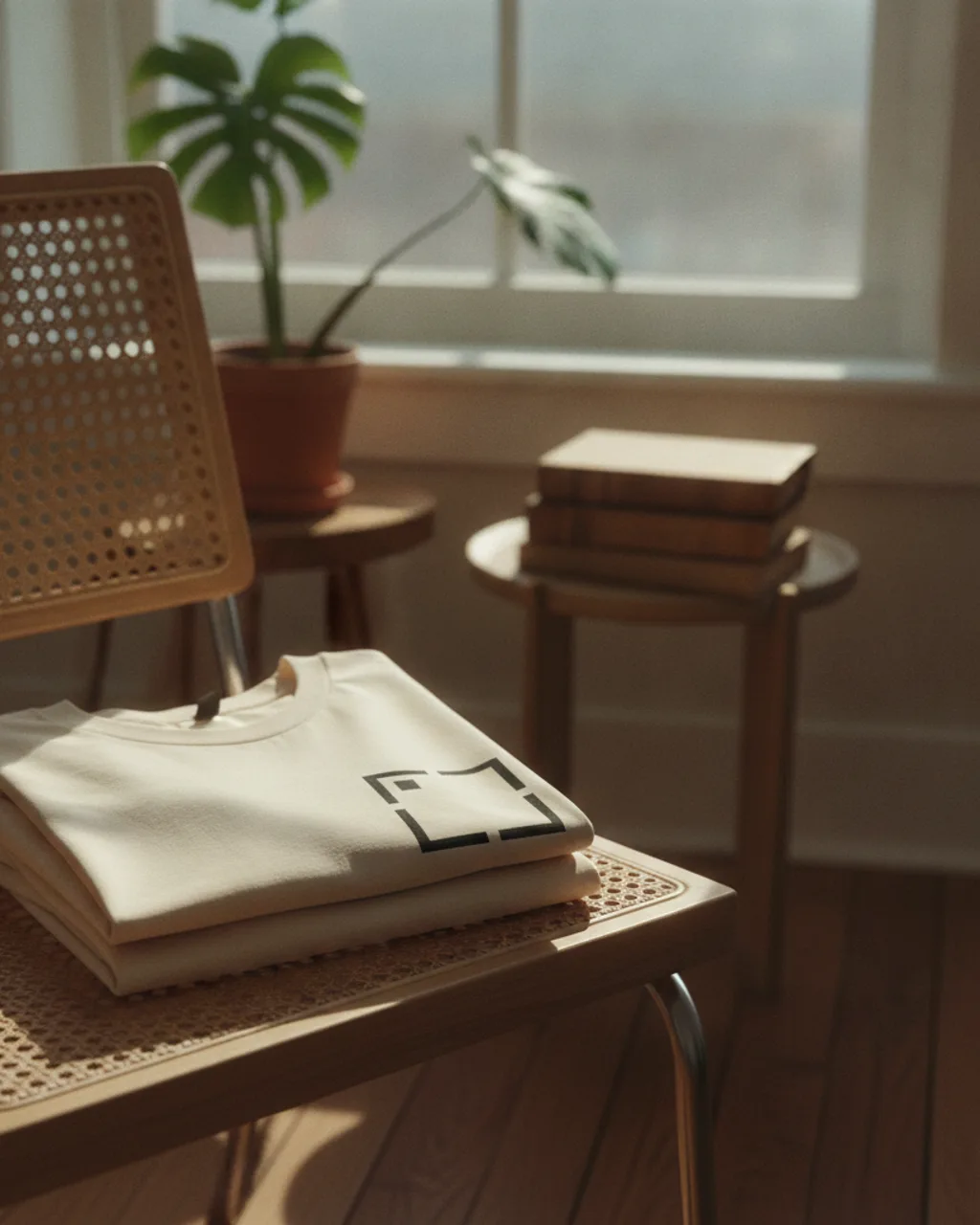
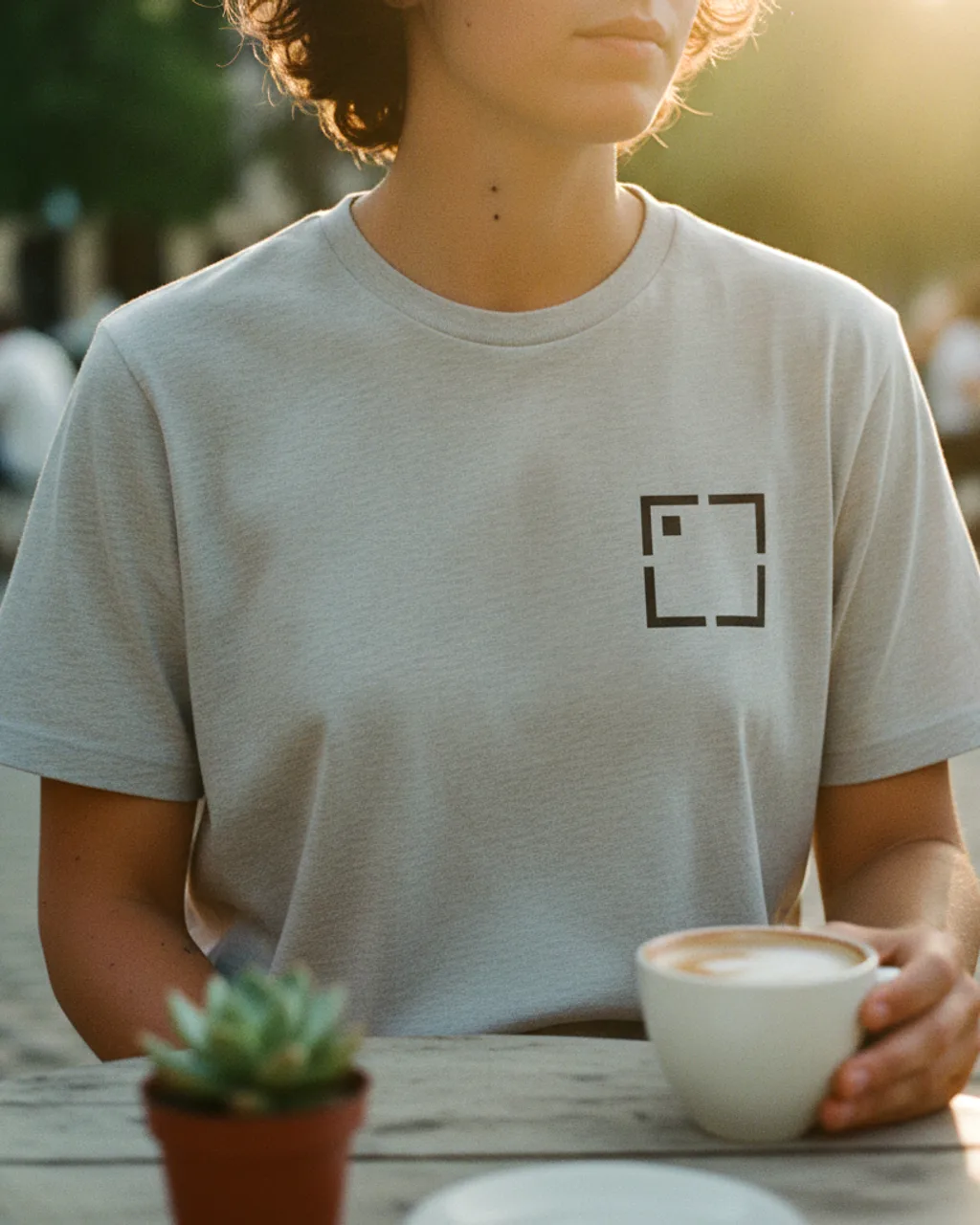
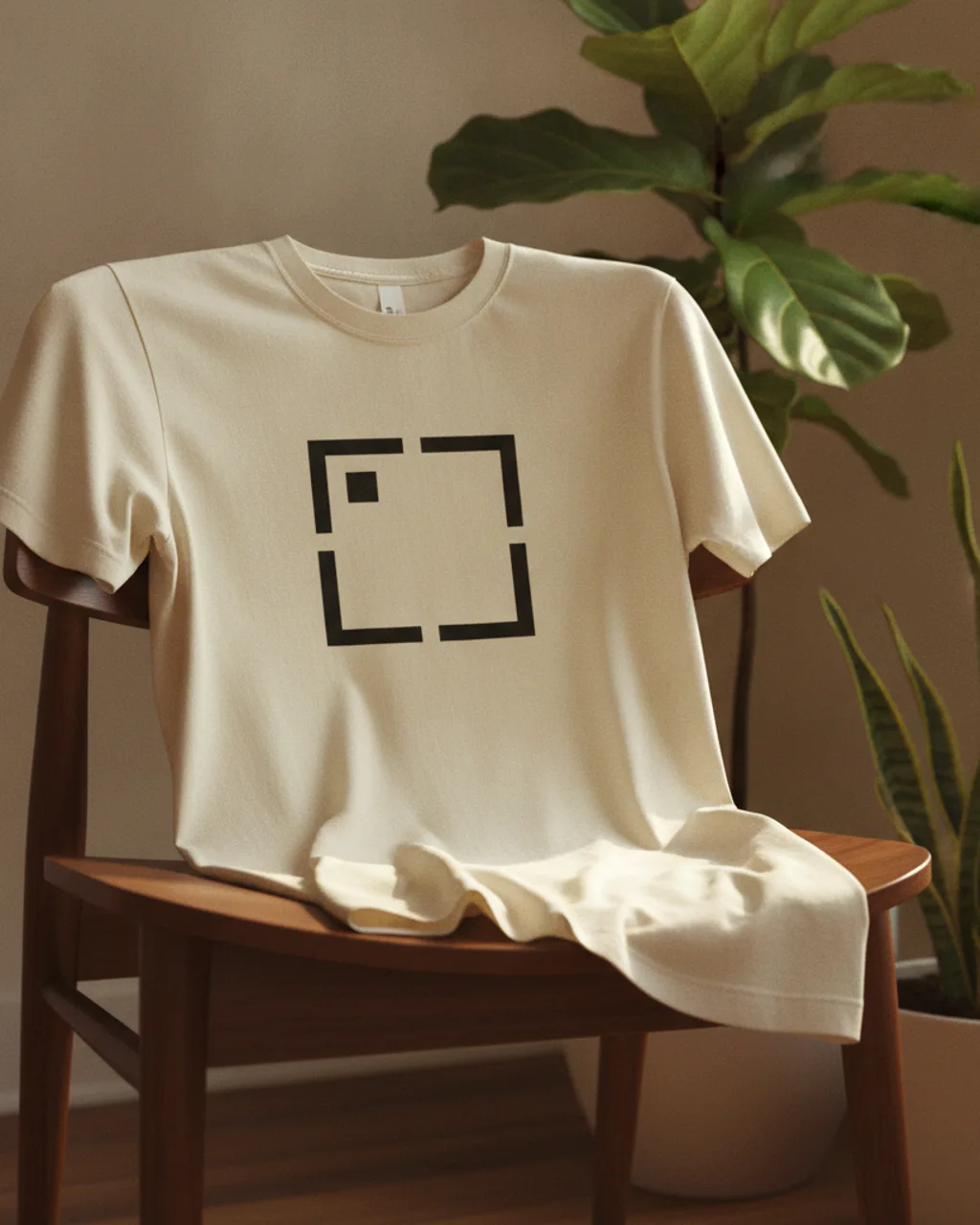
T-shirt photos that look worn, folded, and photographed instead of pasted onto a blank template. Drop a shirt design once and get 5 lifestyle scenes - linen flatlay, brick wall, cane chair, cafe table, plant corner - ready for an Etsy or Shopify carousel.
Try free on your t-shirt design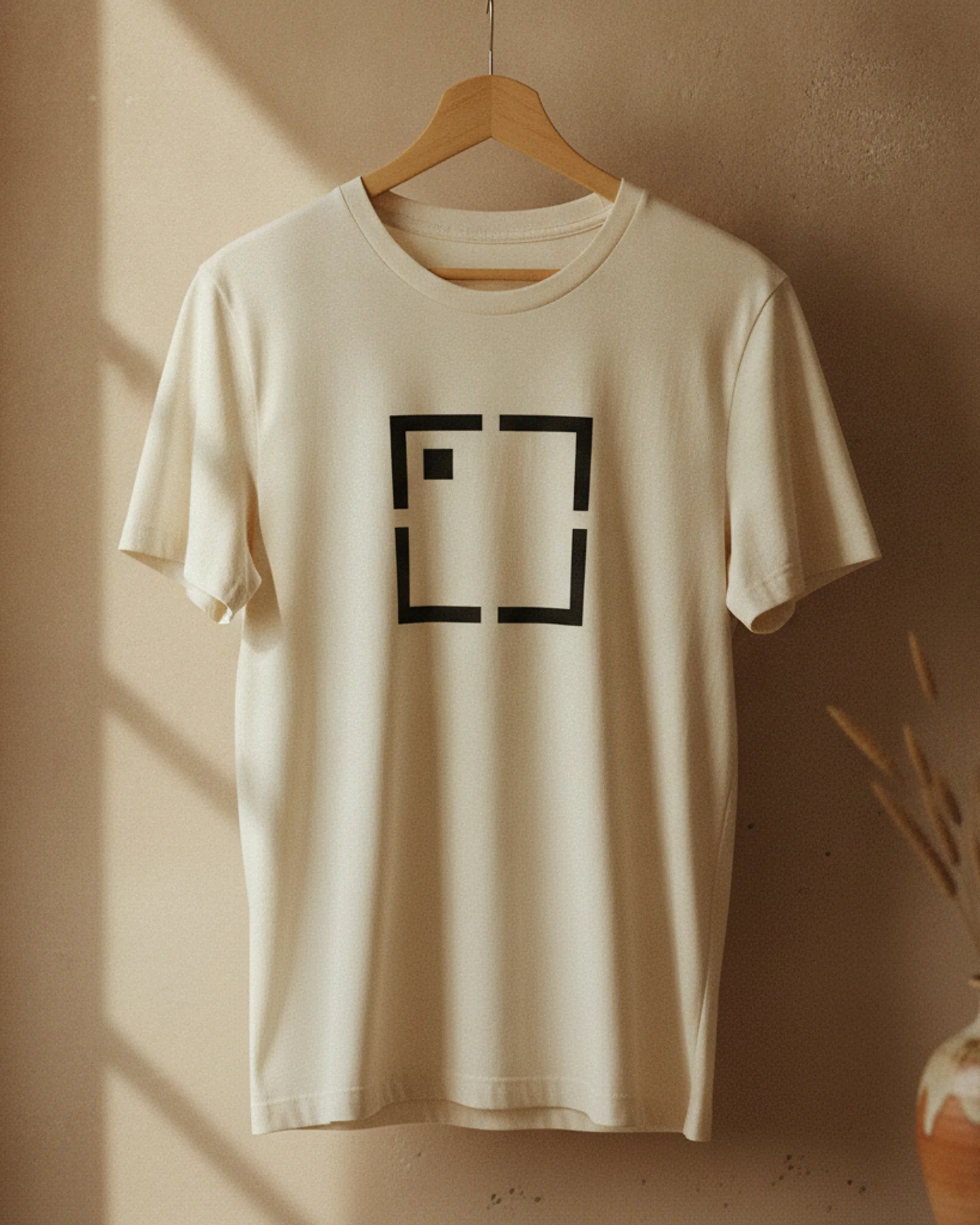
Upload one t-shirtdesign and Hauld returns 5 lifestyle scenes — cropped, color-graded, ready for your listing carousel. The examples below are real Hauld renders on a sample design.
A t-shirt is the most crowded print-on-demand product, which means the blank product shot does almost no work for you. Buyers have seen the same straight-on tee template hundreds of times. What makes them stop is the sense that the shirt already belongs somewhere: hanging by a window, folded into a weekend outfit, worn at an outdoor table, softened by real cotton folds.
That context matters because a shirt is a personal object. The buyer is not only checking the design; they are checking whether it feels like something they would actually wear. A flat PNG on a stock white tee answers placement, but it does not answer comfort, scale, or attitude. Lifestyle scenes answer those in the first image, before the description gets read.
For Etsy and Shopify, the carousel has to do both jobs. The first frame sells the feeling, and the next frames prove the print still reads clearly across fabric, folds, light, and body position.
Template t-shirt mockups usually fail at the same point: the artwork stays too perfect. Real cotton jersey bends, pulls, and forms soft shadows across the chest. Ink printed on top of that surface should follow those changes. If the shirt wrinkles and the design stays laser-flat, the buyer may not know why it feels wrong, but the listing starts to read as fake.
Hauld renders the shirt and the design together instead of dropping your file into a smart object. The cotton has a slight drape, the collar and sleeves cast real shadows, and the print dims where the cloth turns away from the light. A torso crop can show how the design sits on a body; a flatlay can show the print in a cleaner read. Both are useful, and neither should look like a pasted rectangle.
The other advantage is variety. A shirt on a hanger, a shirt folded on linen, and a shirt worn outside all make different buyer promises. One stock template cannot cover that range without repeating itself.
Upload the artwork the way it should print: a clean PNG, JPG, or SVG, preferably with a transparent background if the design is not a full rectangular print. Keep fine text large enough to read at thumbnail size, because the render will place it into real light and fabric rather than keeping it as a flat design preview. Center-chest artwork usually works best; tiny left-chest marks can render well, but the listing hero may need a tighter crop.
Use the five scenes as a listing sequence. Lead with the frame that sells the product fastest, often the worn outdoor shot or the clean hanger hero. Follow with the flatlay so buyers can inspect the print, then use the cafe, chair, and interior shots to make the listing feel photographed from a real batch.
If one image misses the crop or fabric behavior you want, regenerate that scene alone. The rest of the set can stay in place, which is much closer to a real photo selection workflow than starting over from scratch.
Yes. Hauld renders a realistic cotton jersey tee for listing photography, while your fulfillment provider still handles the exact blank and print file.
Yes. The shirt is rendered from scratch, so the print sits on the cotton surface, softens in folds, and dims where the fabric turns into shade.
One design is rendered per batch. For a back print, run a second batch with the back artwork and label it clearly in the design name.