Sticker mockup generator
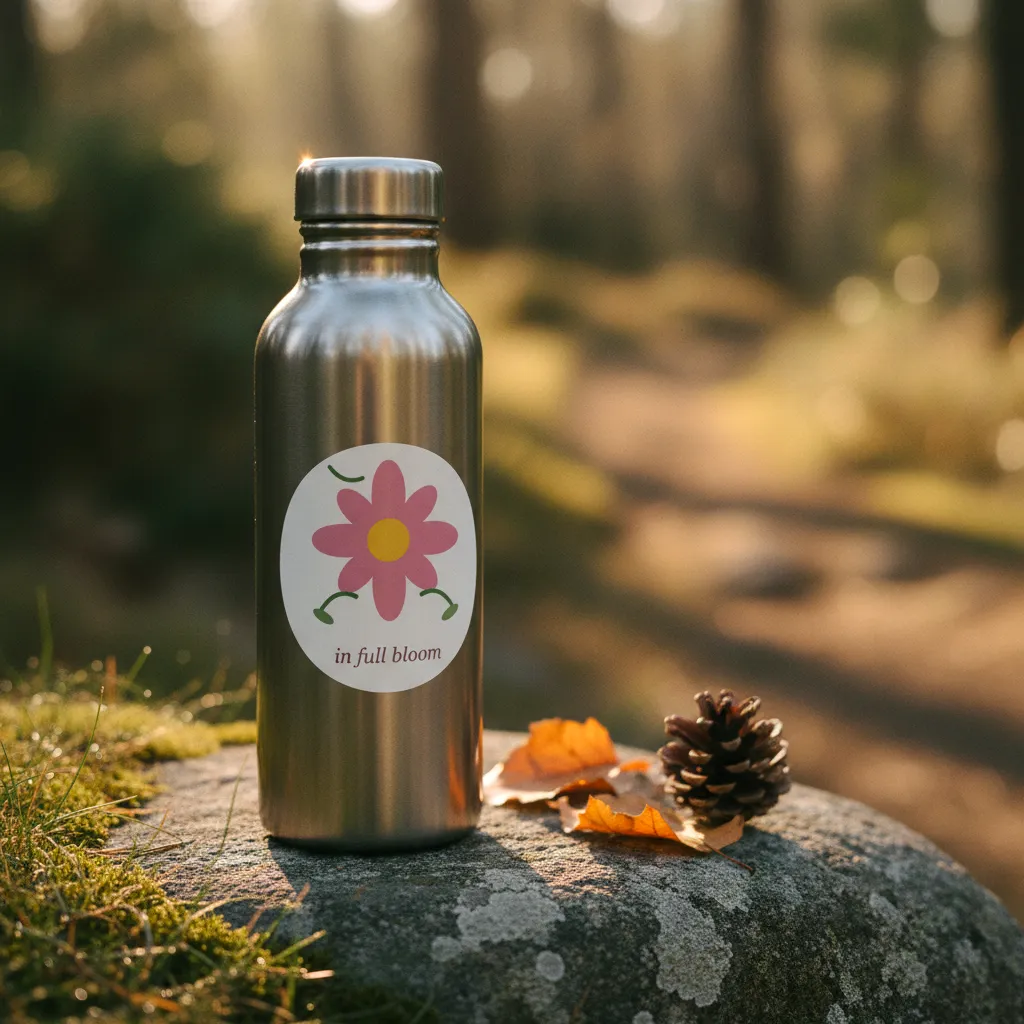
Sticker photos that show the sticker living somewhere, such as a laptop lid in a cafe, a water bottle, a guitar case, a skateboard deck or a journal cover. Lived-in placement, not a centered cutout.

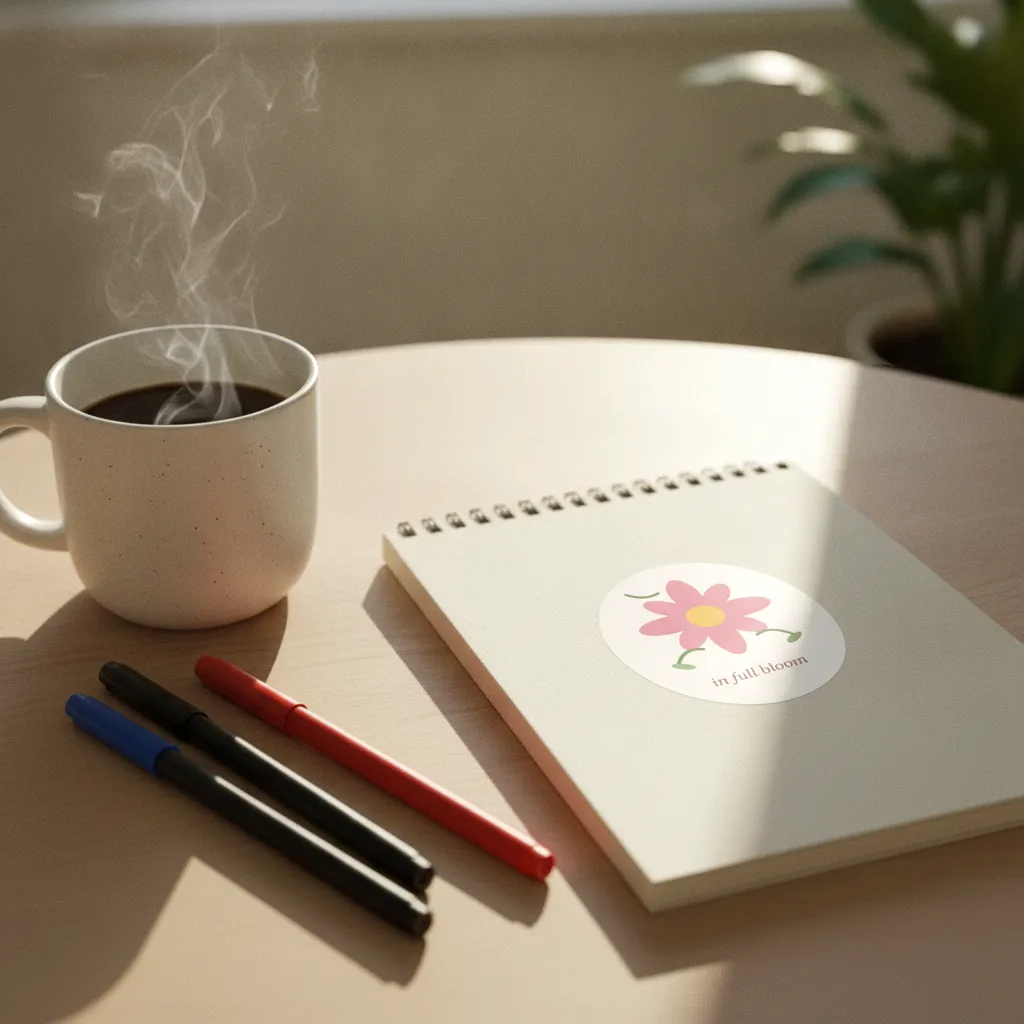 NotebookOn a spiral notebook cover beside coffee and pens. Morning window light.AI-rendered · scene 3 of 5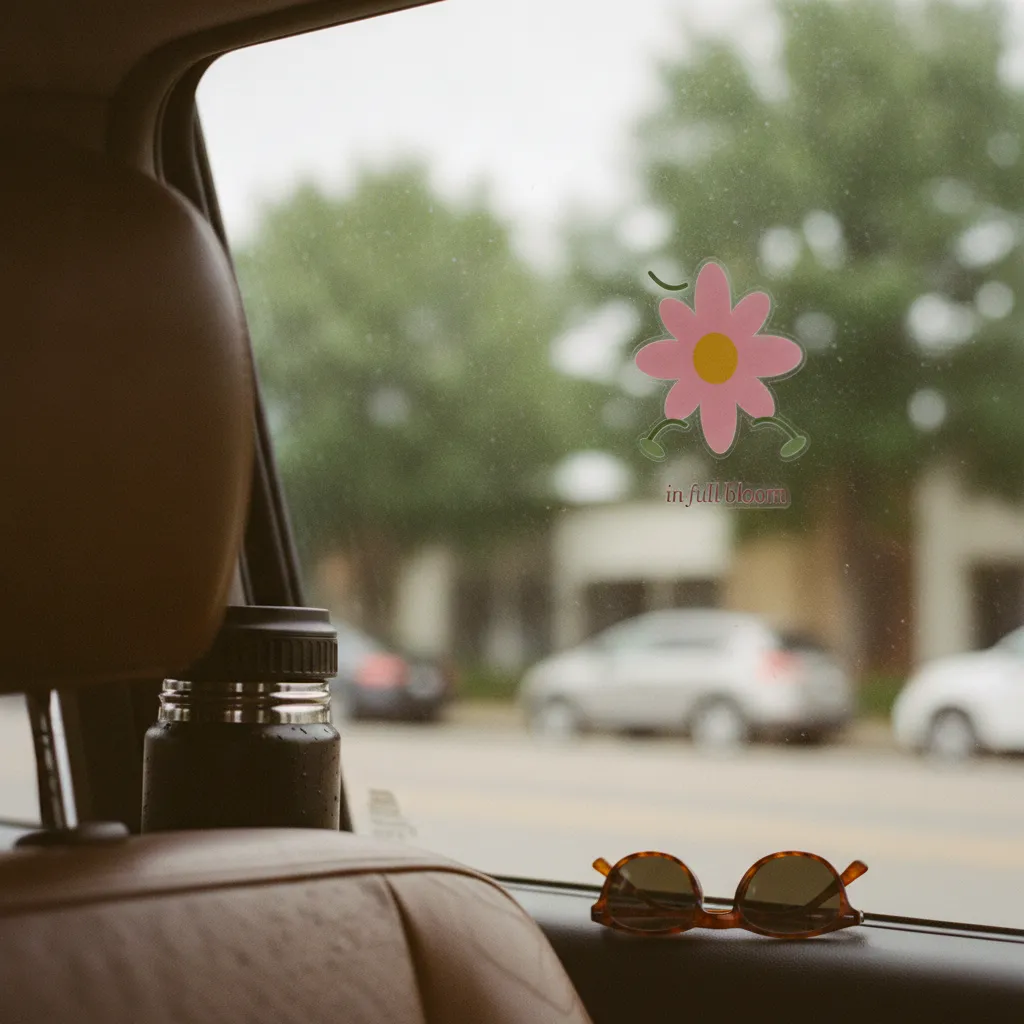
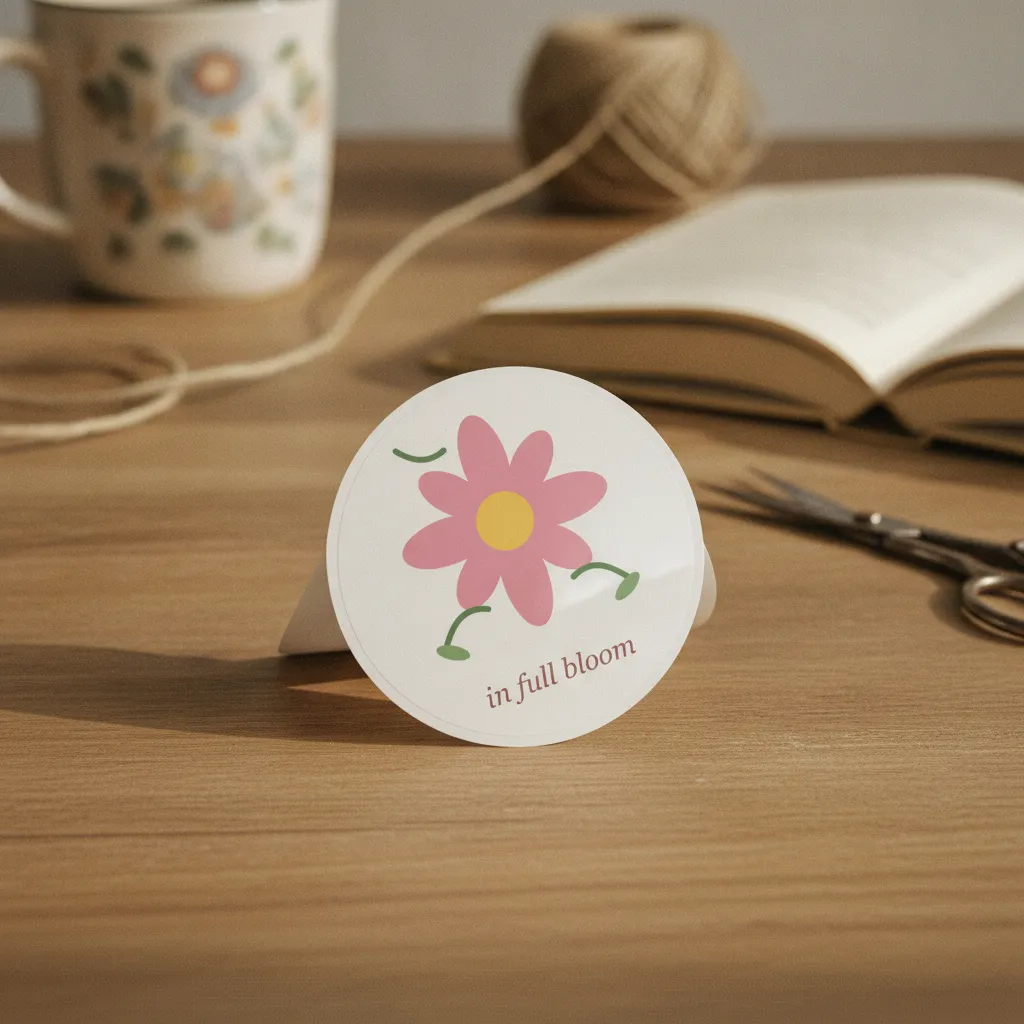
- 5 sticker photos per batch · ~60 seconds
- Real-looking placement on surfaces, not "centered on white"
- Matte or semi-gloss vinyl with a real edge and contact shadow
- Commercial rights included
The 7 scenes a sticker haul draws from.
Every haul renders all 7 on your design and keeps the five that score best, graded as one set. This is the list the product runs today; the strip above shows a sample design in scenes of the same kind.
- Applied on a closed laptop lid in a cafe.Soft window daylight.
- Applied on a water bottle outdoors with mountains in background.Golden hour sunlight.
- Applied on a guitar case in a music studio.Warm room interior light.
- Applied on a skateboard deck on concrete.Midday outdoor light.
- Applied on a journal cover with pens.Desk lamp + soft daylight.
- Applied on the corner of a glass terrarium beside houseplants on a windowsill.Late morning window light, clear and bright.
- Applied on a vintage film-camera body sitting on a contact-sheet print.Soft tungsten desk lamp, warm pool of light.
A sticker sells on where it ends up, not how it looks on white
Many sticker listings on Etsy open the same way: the design floating dead-center on a white square. It's clean, but it tells the buyer nothing. A sticker is an impulse buy tied to a feeling — this on my laptop lid, this on my water bottle, this on the back of my notebook. When the first photo already shows that, the buyer skips the guesswork and pictures it on their own stuff. That mental leap is what turns a browse into an add-to-cart.
Scale is the other thing a white square hides. Is this a chunky 4-inch die-cut or a tiny 2-inch accent? Buyers can't tell, and one who guesses wrong ends up disappointed. A photo on a real laptop corner or the curve of a bottle answers that in one glance, before anyone reads the dimensions.
Why the missing edge shadow gives template sticker mockups away
Template mockups fail stickers in a specific way. A smart-object overlay flattens your art onto a photo of a laptop, so the sticker looks printed into the surface — no edge, no lift, no proof it's a real thing you could peel. The tell is the missing edge shadow: a real vinyl sticker sits a hair above the surface and casts a thin shadow around its cut line. Templates fake this with a generic drop shadow that ignores the actual shape of your die-cut.
Hauld renders the sticker from scratch on Gemini 2.5 Flash Image for every scene. The prompt asks the model to use the transparent edge of your PNG as the cut line, die-cut contour or kiss-cut border, instead of pasting a rectangle. The model does not always follow it, so check each photo and regenerate a miss, up to 5 times per haul. On a curved water bottle the sticker bends with the surface and the glare wraps with it; on a matte laptop lid it stays flat with a soft contact shadow. And because each of the 5 photos is generated fresh, not stamped from one template, you don't end up with the same laptop-and-coffee shot as every other shop in the category.
Prepping the file and ordering the 5 scenes on your sticker listing
Upload a transparent PNG cut to the shape you actually sell: the prompt asks the model to treat that outline as the sticker edge, so a clean cutout gives it more to work with than a design on a white or checkered background. SVG works too. Holographic, glitter and clear finishes are not rendered yet: stickers come out as matte or semi-gloss vinyl. A sticker sheet uploaded as one file is treated as a single die-cut design, so run the free preview first to see how it comes out.
Then let the 5 scenes do carousel duty. Lead with the strongest in-use shot — laptop in a cafe or water bottle — as your thumbnail, since that's the frame that stops a scroller. Follow with the notebook or desk flatlay so the design reads flat and legible, then the rest for range across surfaces and light. Hauld gives you 2048px files, sized for Etsy and Shopify. Try one free watermarked photo on your own sticker first, regenerate any shot that misses up to 5 times, and full commercial rights come with every batch.
A template, or a rendered scene.
Template mockup tool
Your design on a stock photo
- The same sticker template is open to every subscriber
- Often a centered product on a plain ground
- Usually a monthly subscription before you get a clean file
- You pick and place each scene yourself
Hauld
10 free photos every month
- Every sticker rendered from scratch
- Off-center, lived-in scenes
- Free plan, no card; paid plans from $9
- Five scenes per haul, chosen for you
Common questions on AI sticker mockups.
Does it support die-cut and kiss-cut shapes?
The prompt asks the model to use the transparent edge of your PNG as the cut line, so upload a clean cutout of the shape you sell. The shape is not guaranteed: check each photo and regenerate a miss, up to 5 times per haul.
Can I do a sticker sheet mockup?
You can upload the whole sheet as one file and pick "sticker". The render treats it as one die-cut design, so run the free preview first to see how your sheet comes out.
Holographic / glitter stickers?
Not yet. Stickers render as matte or semi-gloss vinyl; a holographic or glitter finish cannot be requested.
Other products.
See it on your own sticker design.
One free watermarked preview, no signup. If the photo works for your shop, a free account gives you 10 photos a month.