Poster mockup generator
Wall art photos for Etsy and Shopify print sellers. Drop a poster design and get 5 lifestyle scenes, such as framed above a sofa, in a gallery wall, leaning against a plaster wall or taped to a bedroom wall, that buyers can picture in their own space.
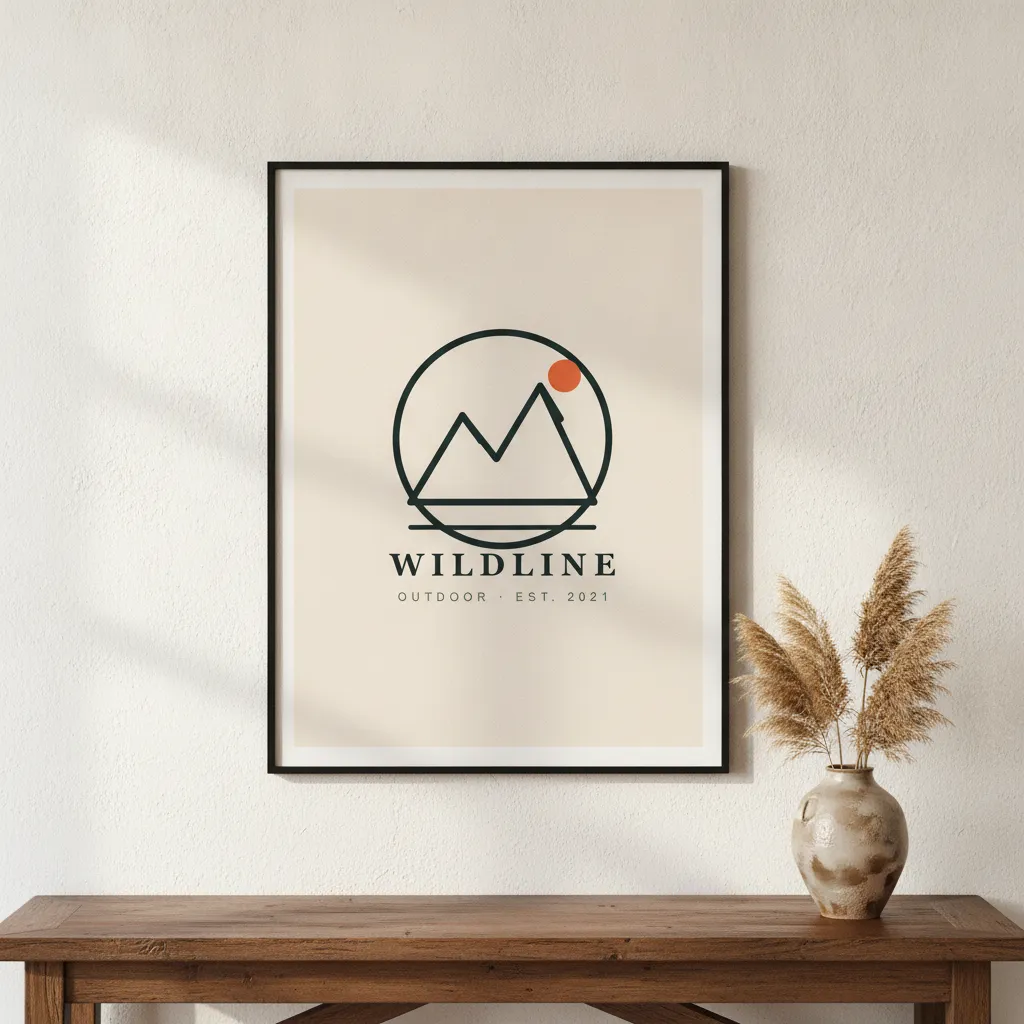
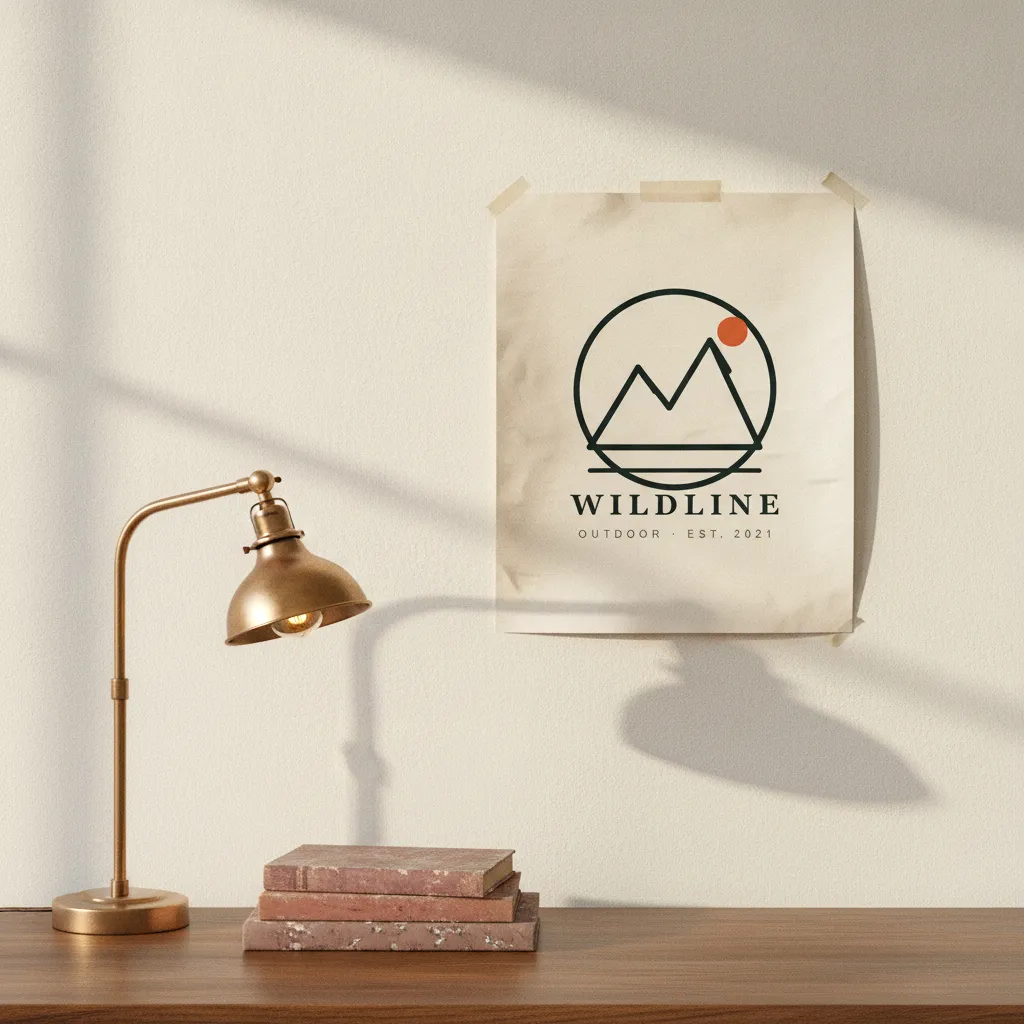
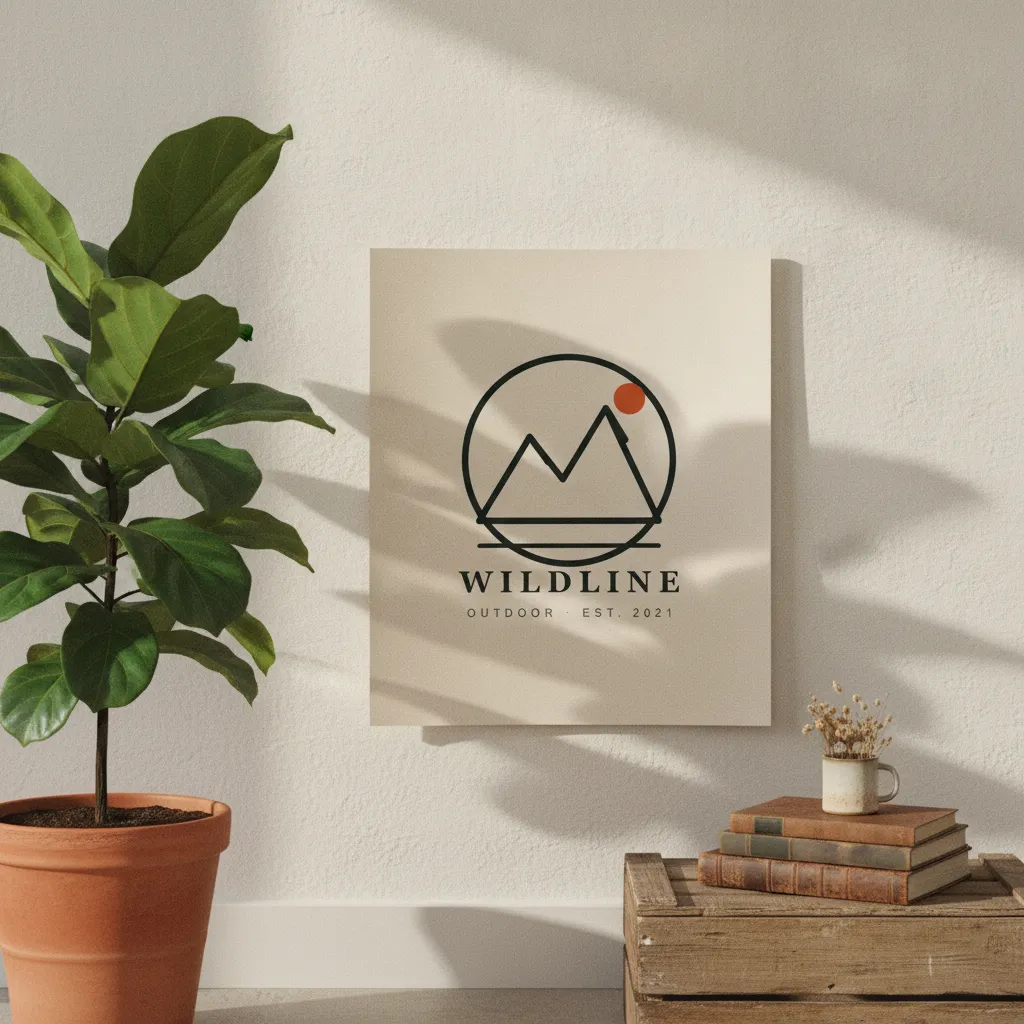 Plant and crateUnframed on a living-room wall, between a potted fig and a wooden crate of books. Soft window light, leaf shadows.AI-rendered · scene 3 of 5
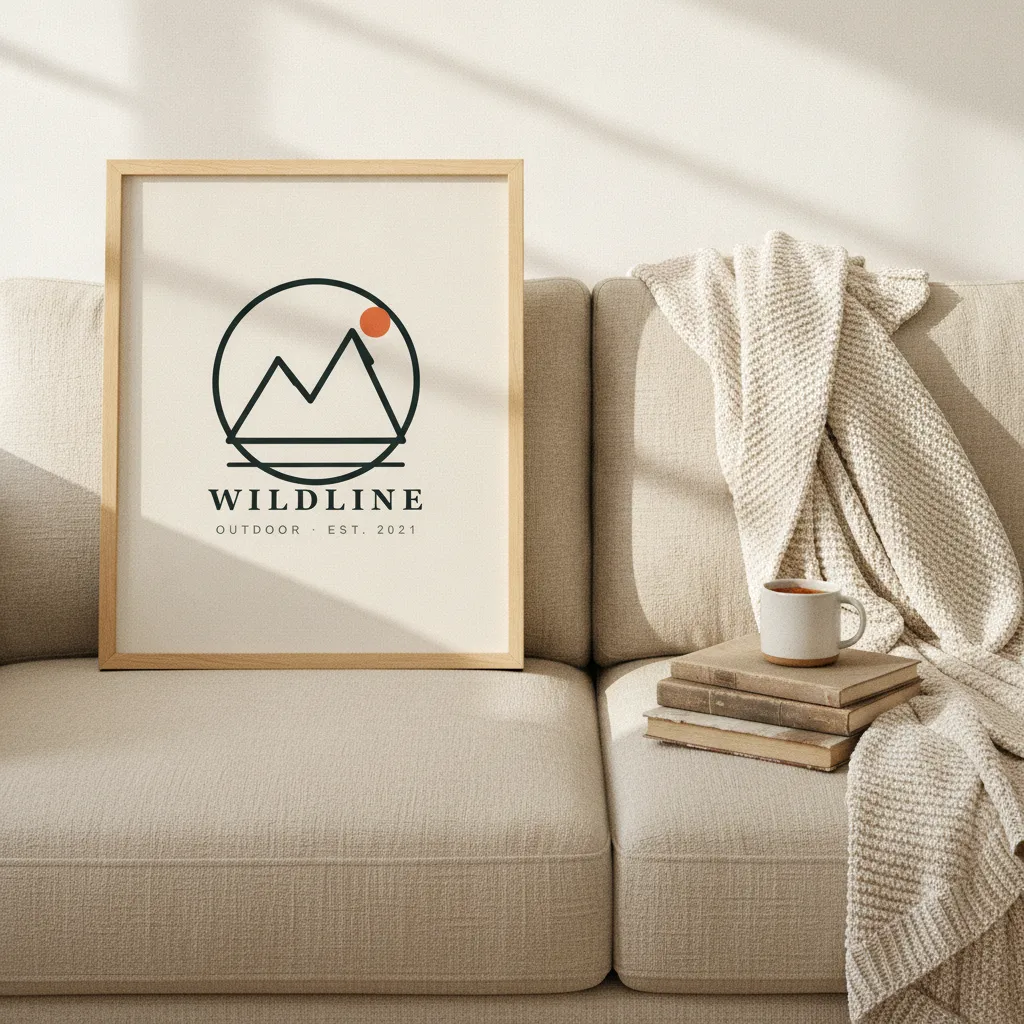
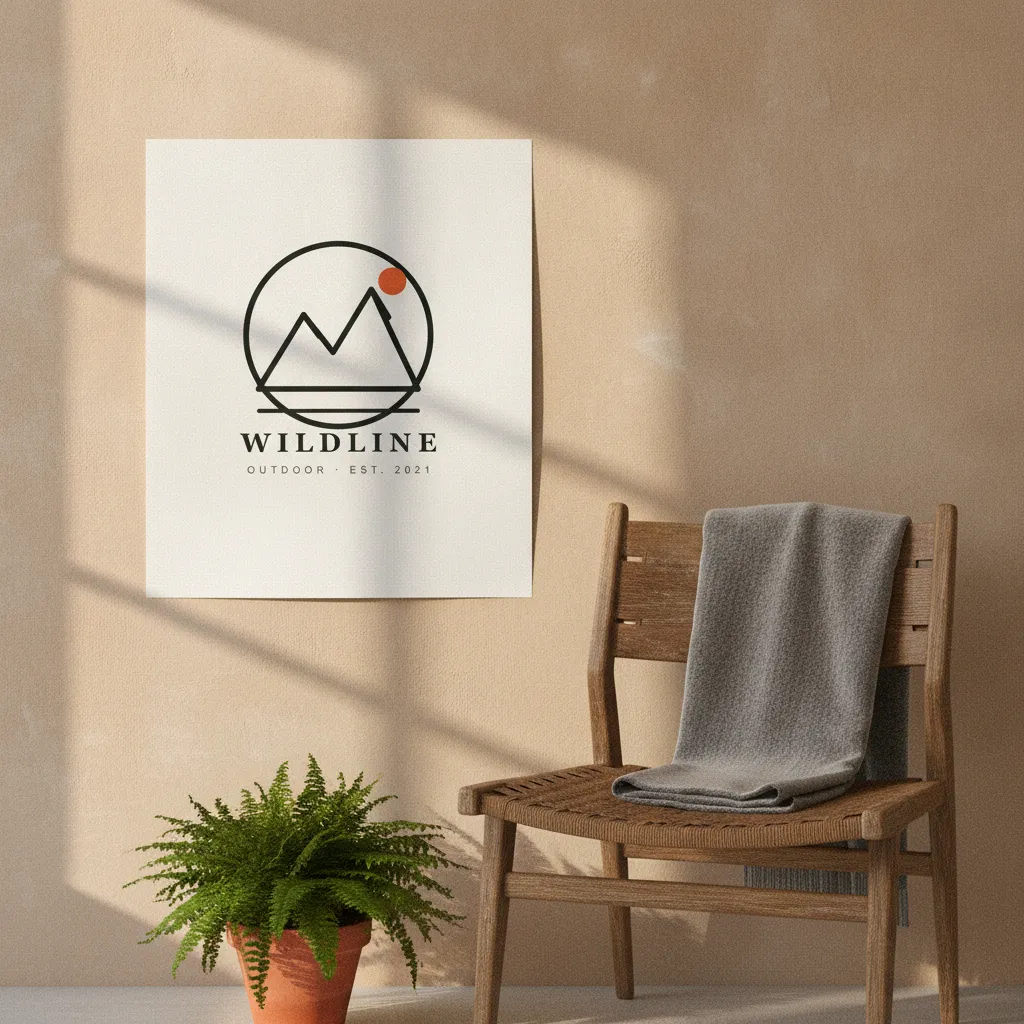
- 5 poster scenes per batch · ~60 seconds
- Upload at the ratio you sell: the prompt asks to keep its proportions
- Wall depth + frame rendering, not flat overlay
- Commercial rights included, for print-on-demand
The 7 scenes a poster haul draws from.
Every haul renders all 7 on your design and keeps the five that score best, graded as one set. This is the list the product runs today; the strip above shows a sample design in scenes of the same kind.
- Framed and hanging above a mid-century modern sofa.Soft afternoon room light.
- Leaning unframed against a white plaster wall on wooden floor.Window side light.
- Framed in a gallery wall arrangement with other art.Museum-style overhead lighting.
- Rolled and held by hands against a studio backdrop.Soft studio strobe.
- Taped on a teenager bedroom wall with fairy lights.Warm fairy light + ambient lamp.
- Pinned with washi tape to a kitchen wall above a wooden stool with cookbooks.Late afternoon kitchen-window light, warm.
- Framed on an oak studio desk with a vintage typewriter and a coffee cup.Window side light, soft and editorial.
Why a poster sells on the room, not the print
Nobody buys a poster for the paper. They buy the empty wall it fixes. When a shopper lands on your listing, the real question in their head is "would this look right above my couch?" A flat scan of the artwork can't answer that, so they bounce. A photo of the same print framed over a real sofa answers it in half a second, and that half-second is where the sale happens.
Wall art is also a scale decision, and scale is invisible on a bare file. An 18x24 above a bed reads completely different from an A3 over a desk. Put the print in a room with a lamp, a shelf, a bit of furniture for reference, and the buyer stops guessing at size and starts picturing it hung. That step, from "nice design" to "that goes in the hallway," is what a lifestyle scene does that a crop of the artwork never will.
It matters more for posters than almost anything else you can print, because the whole product is a promise about a space you'll never see. Give buyers a believable version of that space and the listing does the convincing for you.
What breaks in poster mockups, and why rendering from scratch fixes it
Template mockups fail posters at the frame. A print doesn't sit flat on a wall. It has frame depth, a mat border around the artwork, and glass that catches a soft reflection. Paste-on templates flatten all of that into a sticker on a wall, and the eye clocks it as fake even when the viewer can't say why. The mat sits at the wrong width, the glass has no life, the frame throws no shadow.
Hauld renders the poster from scratch on Gemini 2.5 Flash Image instead of dropping your file into a smart object. The frame gets real edge depth and a cast shadow on the wall, and the glass picks up a restrained reflection instead of looking like a dry vector. The prompt asks the model to keep your artwork as uploaded on the paper; check each photo and regenerate a miss, up to 5 times per haul. What gets built fresh is the room around it.
Ratio is the other quiet failure. A2, A3, 18x24, and 24x36 are different shapes, and a template stretches your file to fit its slot. Upload at your true ratio and the render matches it, so a tall 2:3 print doesn't get squashed into a square frame it was never sized for.
Prepping your poster design for the best 5 scenes
Upload the artwork alone, full bleed, at the exact ratio you sell, as a PNG or JPG (SVG works too). Don't pre-add a frame or a fake wall. The render places the print into framed and unframed scenes on its own, and a frame baked into your file just fights the one it builds. You cannot force one treatment yet: a haul mixes framed and unframed scenes.
The five scenes are built to fill a listing carousel, not repeat one shot five times. The scenes include a print framed above a sofa, a gallery wall, an unframed print leaning on the floor, one taped to a bedroom wall and one framed on a studio desk, so a browsing buyer sees the print read across different rooms and light. Lead your carousel with the interior shot that matches your buyer, keep the leaning print as the clean detail frame, and let the rest carry context.
A few practical notes for Etsy and Shopify print sellers: output is 2048px, big enough for Etsy's listing images and still crisp on a retina screen. Full commercial rights come with every batch, so the same photos run in your listing and your ads. If one scene misses, regenerate that single photo free, up to five per haul, instead of redoing the set.
A template, or a rendered scene.
Template mockup tool
Your design on a stock photo
- The same poster template is open to every subscriber
- Often a centered product on a plain ground
- Usually a monthly subscription before you get a clean file
- You pick and place each scene yourself
Hauld
10 free photos every month
- Every poster rendered from scratch
- Off-center, lived-in scenes
- Free plan, no card; paid plans from $9
- Five scenes per haul, chosen for you
Common questions on AI poster mockups.
Does it support framed and unframed?
Both show up. The poster scenes include framed prints (above a sofa, in a gallery wall, on a desk) and unframed ones (leaning on the floor, taped or pinned to a wall). You cannot force one or the other yet.
What aspect ratios work?
Upload your design at the ratio you sell (2:3, 3:4, 1:1 and so on). The prompt asks the model to keep its proportions.
Can I sell these on Society6 / Redbubble?
Paid plans include commercial rights — any marketplace, any ad platform.
Other products.
See it on your own poster design.
One free watermarked preview, no signup. If the photo works for your shop, a free account gives you 10 photos a month.