Phone case mockup
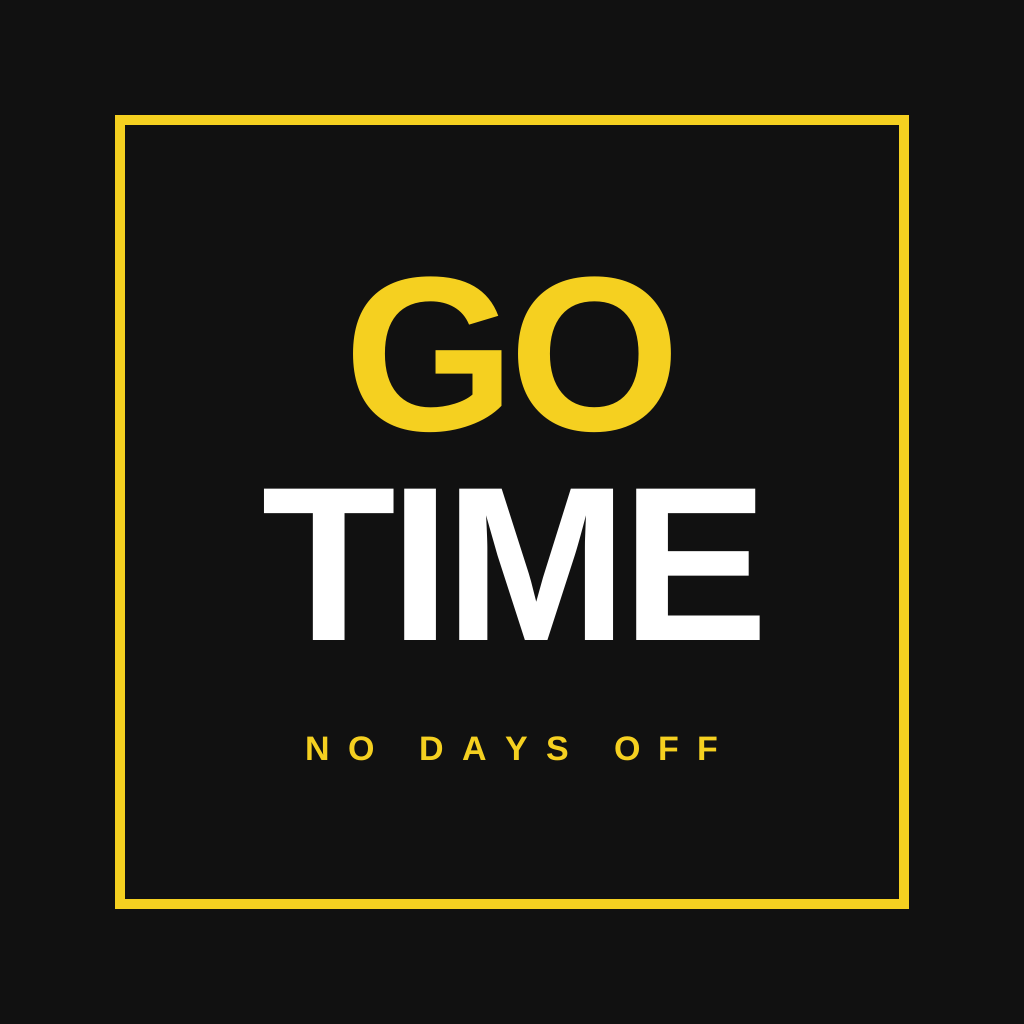
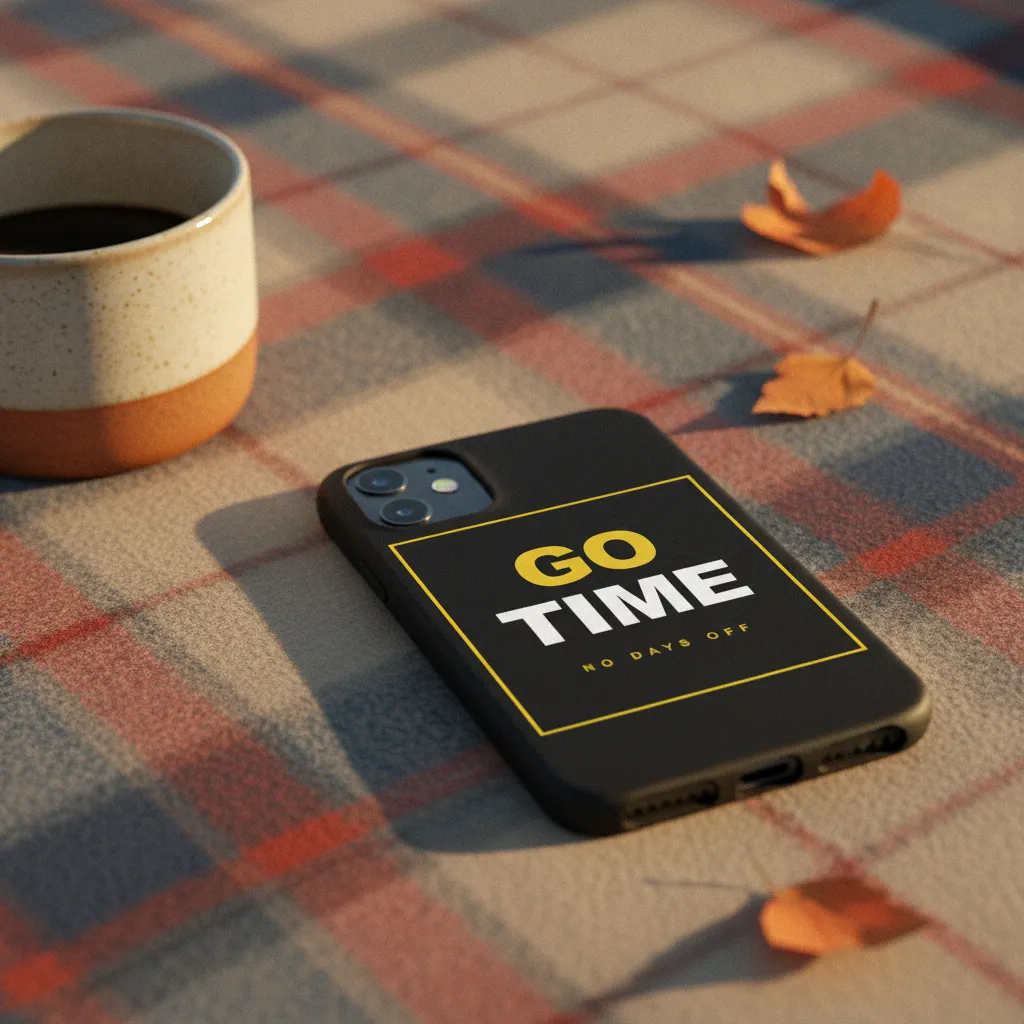
Phone case photos that feel hand-shot. Drop a design and get 5 scenes, such as a marble bathroom counter, a hand in a coffee shop, a wooden desk, a beach blanket or a stack of books, with reflections that follow the light of the scene.
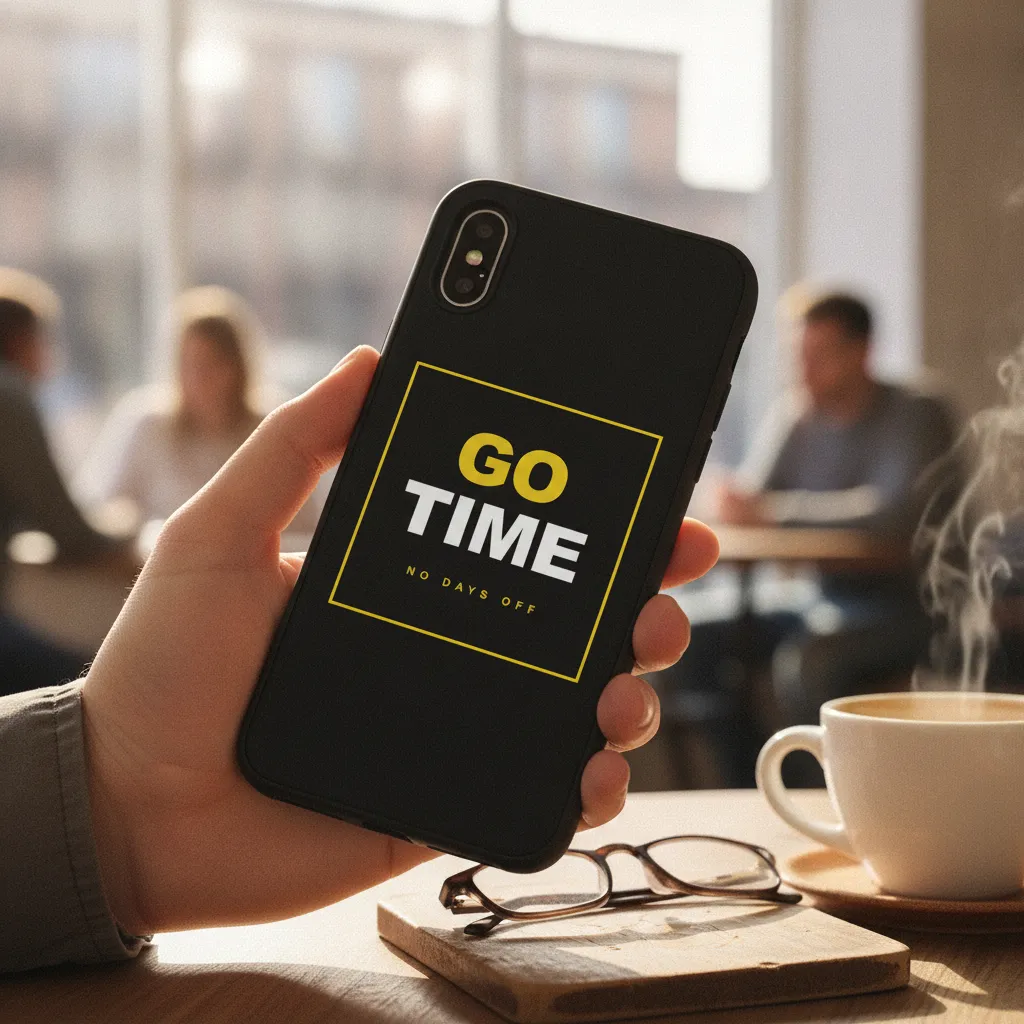
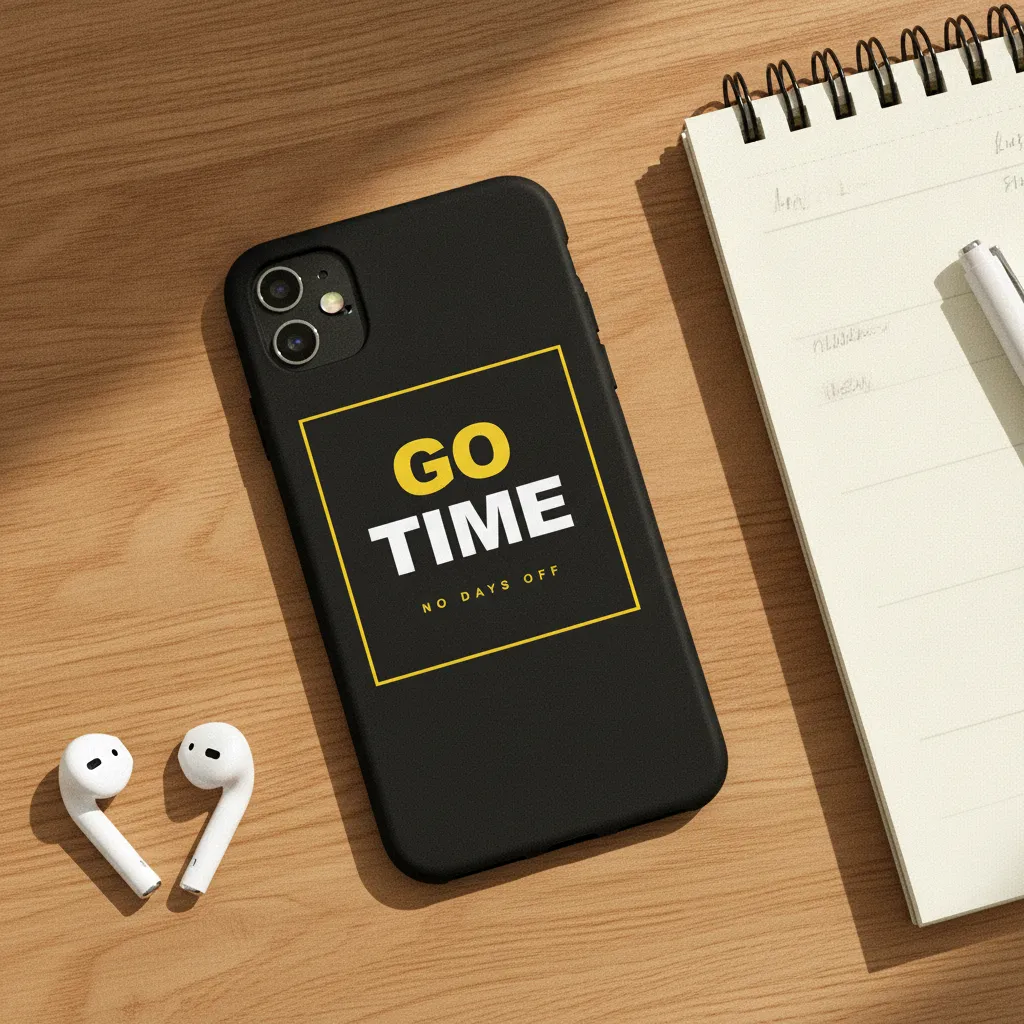
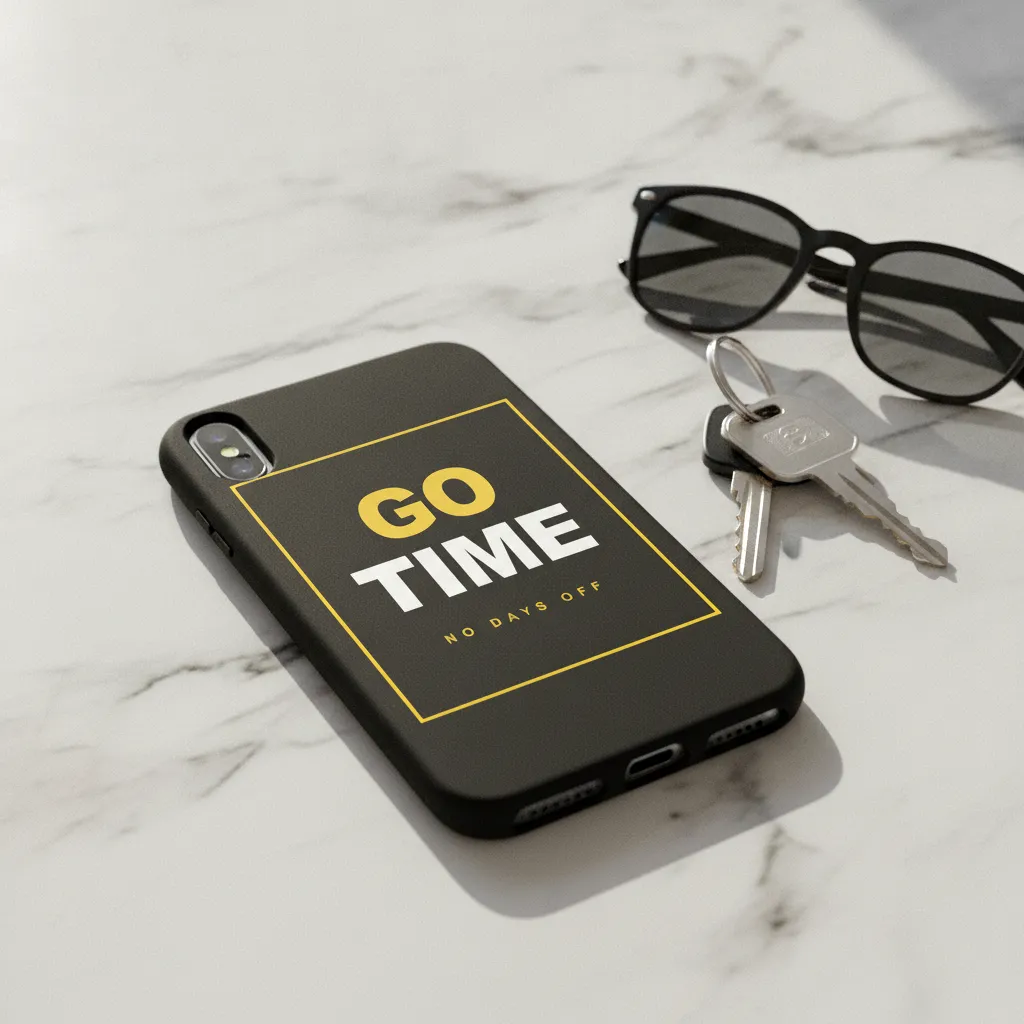 CounterOn a phone on a marble counter next to keys and sunglasses. Bright morning daylight.AI-rendered · scene 3 of 5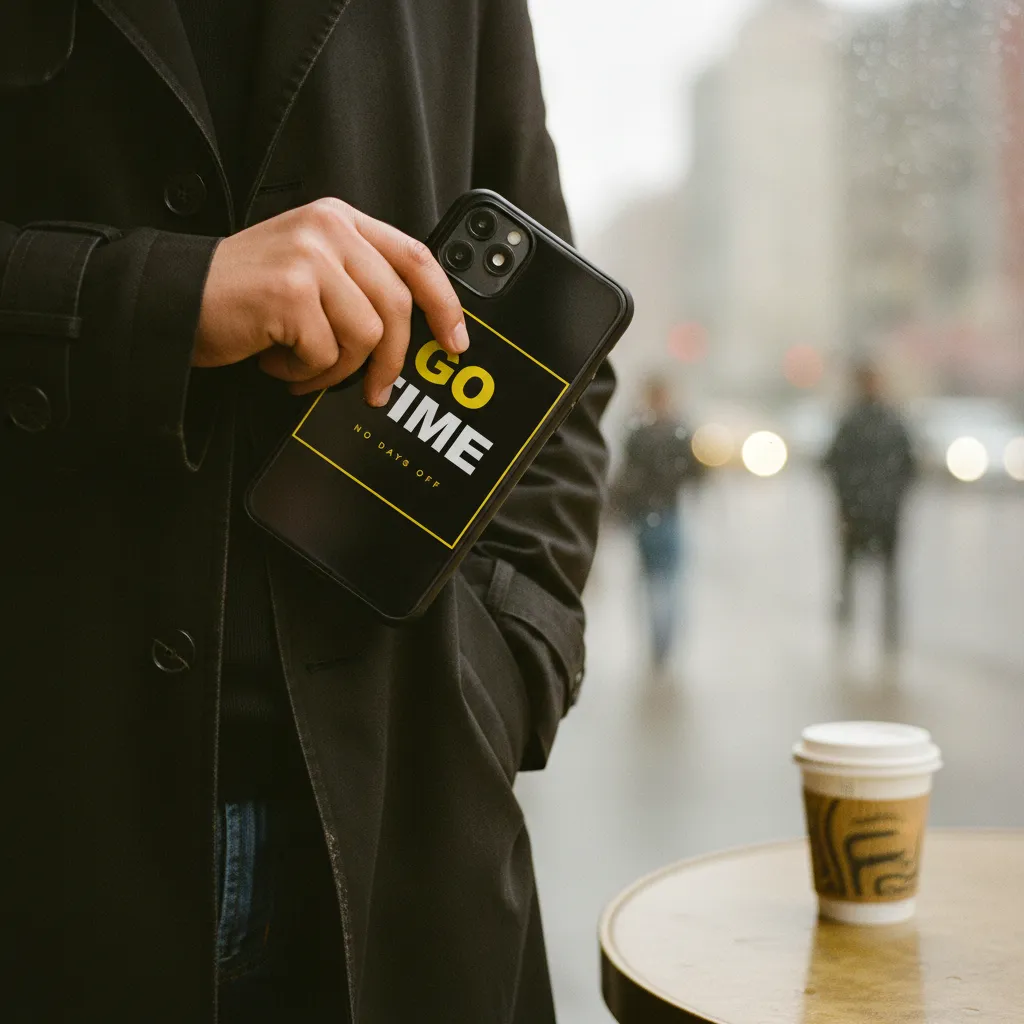
- 5 case photos per batch · ~60 seconds
- Generic modern phone silhouette with a camera cutout
- Real reflections + lighting, not template overlay
- Commercial rights included
The 7 scenes a phone case haul draws from.
Every haul renders all 7 on your design and keeps the five that score best, graded as one set. This is the list the product runs today; the strip above shows a sample design in scenes of the same kind.
- On a marble bathroom counter with skincare products.Soft morning daylight.
- In a hand at a coffee shop with latte art visible.Window light, blurred background.
- On a wooden desk next to laptop and notebook.Desk lamp + window light.
- On a beach blanket with seashells and sunglasses.Midday beach sunlight.
- On a stack of books beside a candle and houseplant.Warm cozy lamp light.
- Next to a wallet and car keys on a dark walnut entry-way table.Soft evening lamp light from above.
- In the front pocket of a denim jacket folded on a chair, partially visible.Warm late-afternoon room light.
A phone case sells on the hand, not the flat file
A phone case is one of the few products a buyer pictures against their own body before they buy. They're imagining it in their palm, sliding into a back pocket, sitting face-down on a cafe table. A flat PNG of your artwork on a gray rectangle gives them none of that. It shows the design but hides the thing they actually care about: how it looks as an object someone carries around all day.
That gap is where listings lose the sale. When the case is photographed in a real scene, the buyer stops judging a graphic and starts picturing ownership, and that shift is what moves a browser to add-to-cart.
Lifestyle photos also carry a message your description can't. A case shown on a warm morning counter reads as calm and everyday. The same artwork on an outdoor table reads as something you'd grab on the way out. You're not just showing the print, you're telling the buyer who it's for, before they read a single word.
What breaks in phone case mockups, and why rendering fresh fixes it
Template mockups fail phone cases in specific, repeatable ways. Smart-object overlays paste your artwork flat onto a photo of a case, so the print floats over the camera cutout instead of stopping cleanly around it, and it ignores the raised lip a real case has around the edges. On a glossy hard case the fake overlay kills the reflection; on a soft TPU or silicone case it skips the slightly matte, light-absorbing surface those materials actually have. The result reads as a sticker on a photo, and buyers feel it even if they can't name it.
Hauld renders the case from scratch on Gemini 2.5 Flash Image each time instead of pasting your file onto a stock shot. Your artwork sits on the back shell as a printed surface, the camera cutout stays a real hole with the phone body visible through it, and reflections respond to the scene's light rather than a baked-in highlight. A hard plastic case gets a crisp gloss; a soft TPU case gets the softer sheen and rounded edges those cases have in life.
The silhouette stays a generic modern phone, iPhone or Android, on purpose, so you're never claiming a specific model your case might not fit. It reads as the right shape without pretending to be an exact SKU.
Prepping your design and reading the 5 scenes for the carousel
Upload one PNG, JPG, or SVG of the back-panel artwork exactly as it prints, edge-to-edge if your case bleeds to the border, or centered with margin if it doesn't. Leave a little room where the camera cutout lands so the render has clean space to stop the print around it, and if your design has fine linework, a high-resolution file keeps those lines sharp at 2048px. The case renders as a generic printed shell: clear cases and specific phone models cannot be requested yet.
One batch gives you five scenes, and they earn different slots in your carousel. Lead with the cleanest, most legible frame so the thumbnail sells the design at a glance. Follow with a couple of context shots, a cafe table or a morning counter, that let the buyer picture the case in their own routine. Keep a tighter frame in reserve for the detail slot, where the printed shell and the cutout read clearly.
If one scene doesn't fit your shop's look, regenerate that single photo free, up to five times per haul, instead of paying for a whole reshoot. Every batch ships with full commercial rights, so the same five photos run across your Etsy listing, your Shopify carousel, and your ads without a separate license.
A template, or a rendered scene.
Template mockup tool
Your design on a stock photo
- The same phone case template is open to every subscriber
- Often a centered product on a plain ground
- Usually a monthly subscription before you get a clean file
- You pick and place each scene yourself
Hauld
10 free photos every month
- Every phone case rendered from scratch
- Off-center, lived-in scenes
- Free plan, no card; paid plans from $9
- Five scenes per haul, chosen for you
Common questions on AI phone case mockups.
Does it support iPhone and Android?
Hauld renders a generic modern phone case with a camera cutout. You cannot pick a specific phone model yet.
Clear / transparent cases?
Not yet. Cases render as a printed shell with your design on the back.
Magsafe ring shown?
No. The render shows the printed back of the case, without a MagSafe ring.
Other products.
See it on your own phone case design.
One free watermarked preview, no signup. If the photo works for your shop, a free account gives you 10 photos a month.