Tote bag mockup
Tote bag photos that look photographed, not Photoshopped. Drop a design and get 5 lifestyle scenes ready for Etsy, such as a coat hook by the door, a market picnic table, a beach blanket, a city street or a bedroom chair.
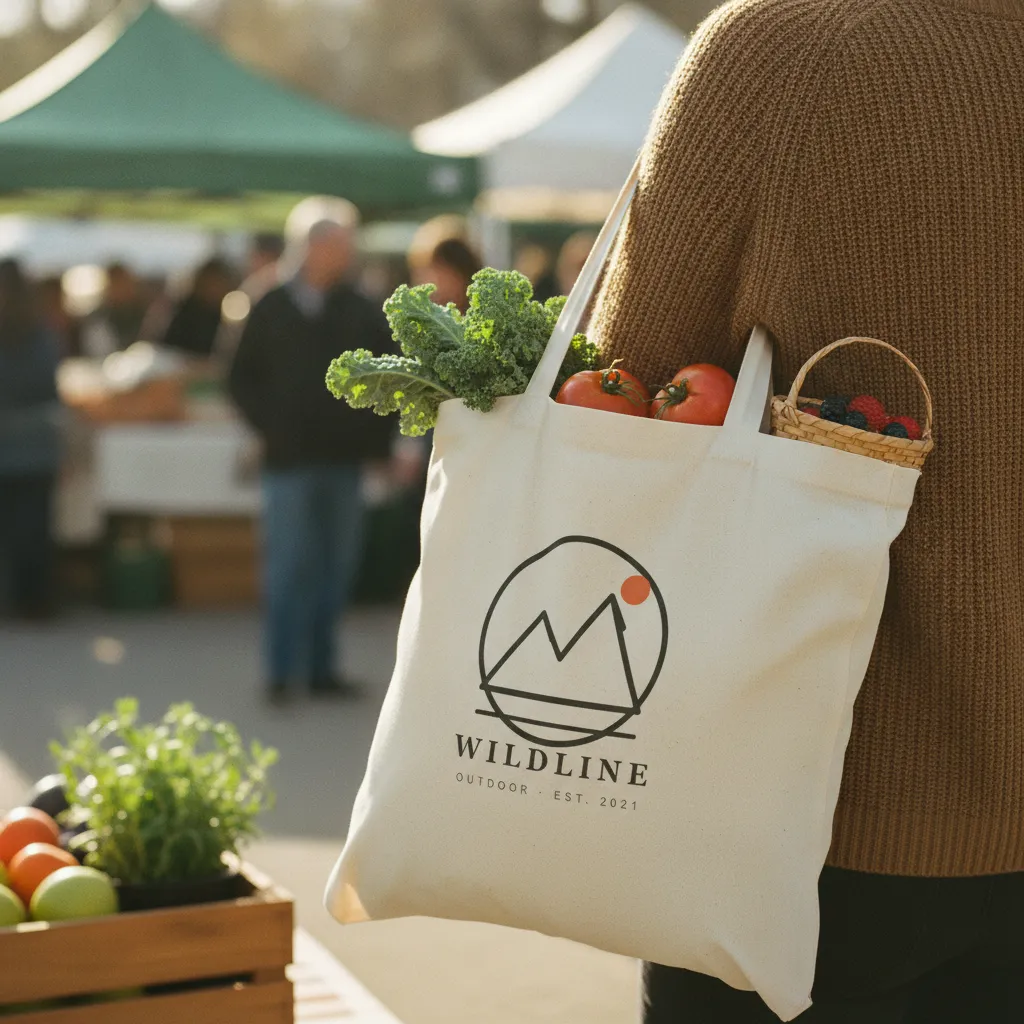 MarketCarried over a shoulder with farmers-market produce inside, blurred market. Late morning daylight.AI-rendered · scene 3 of 5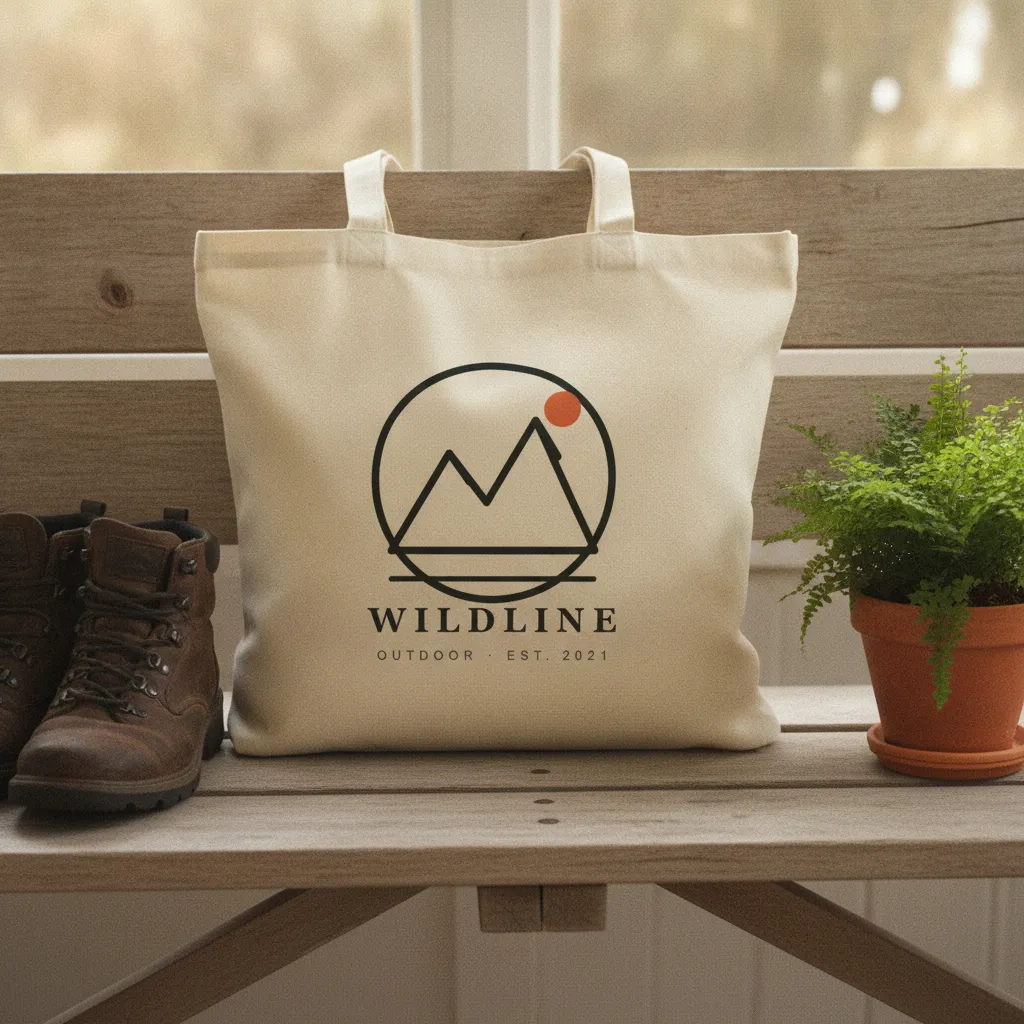
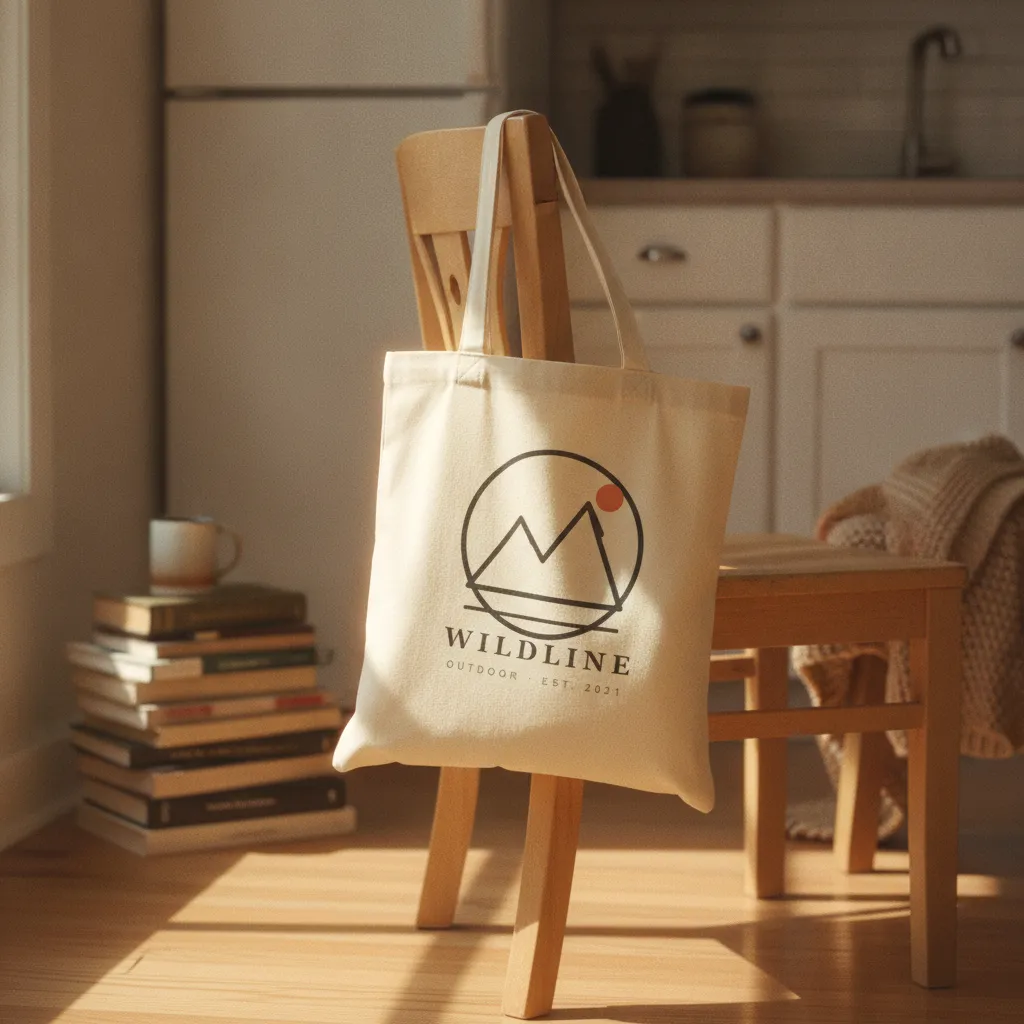
- 5 tote photos per batch · ~60 seconds
- Cotton canvas texture rendered from scratch
- Free plan: 10 photos a month · no card required
- Commercial rights included
The 7 scenes a tote bag haul draws from.
Every haul renders all 7 on your design and keeps the five that score best, graded as one set. This is the list the product runs today; the strip above shows a sample design in scenes of the same kind.
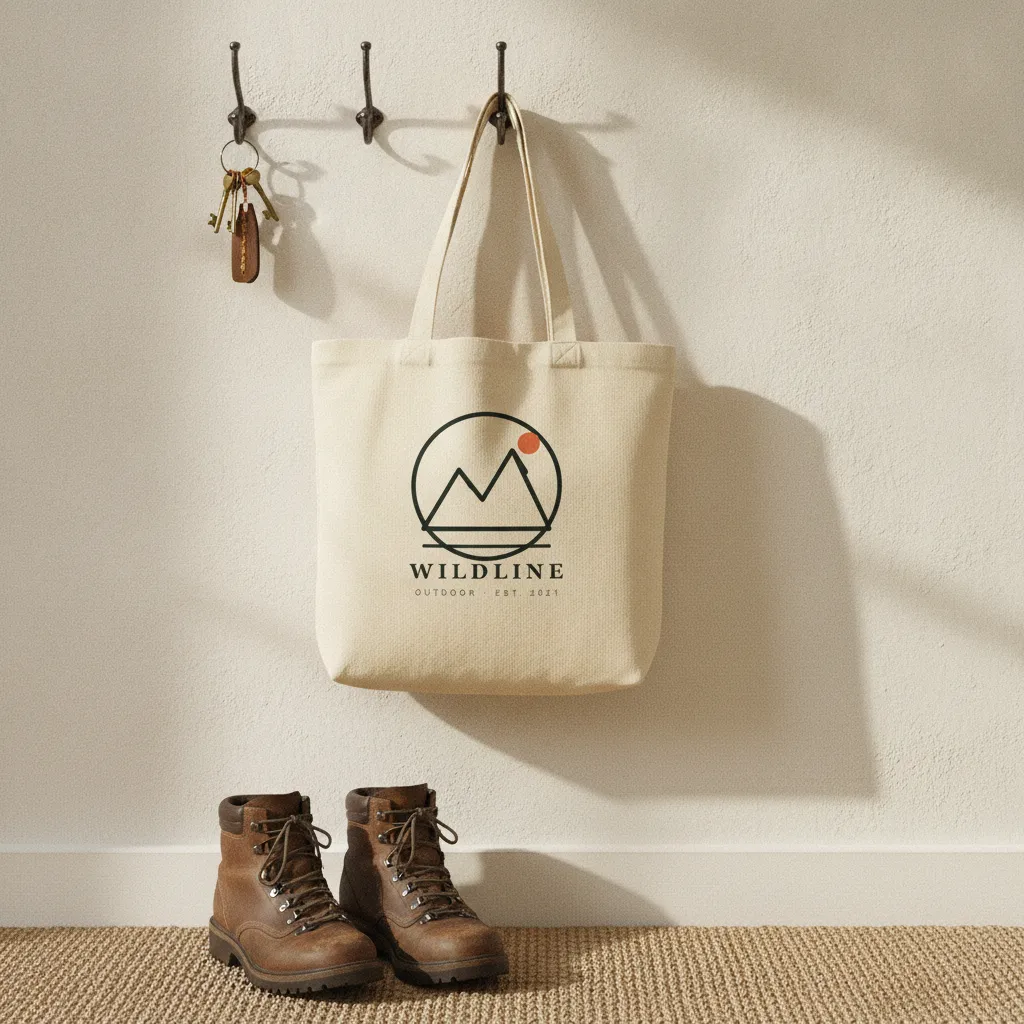
- Hanging on a coat hook by a front door with keys.Natural entry-way daylight.
- Flat on outdoor wooden picnic table with farmers market produce.Midday natural sunlight.
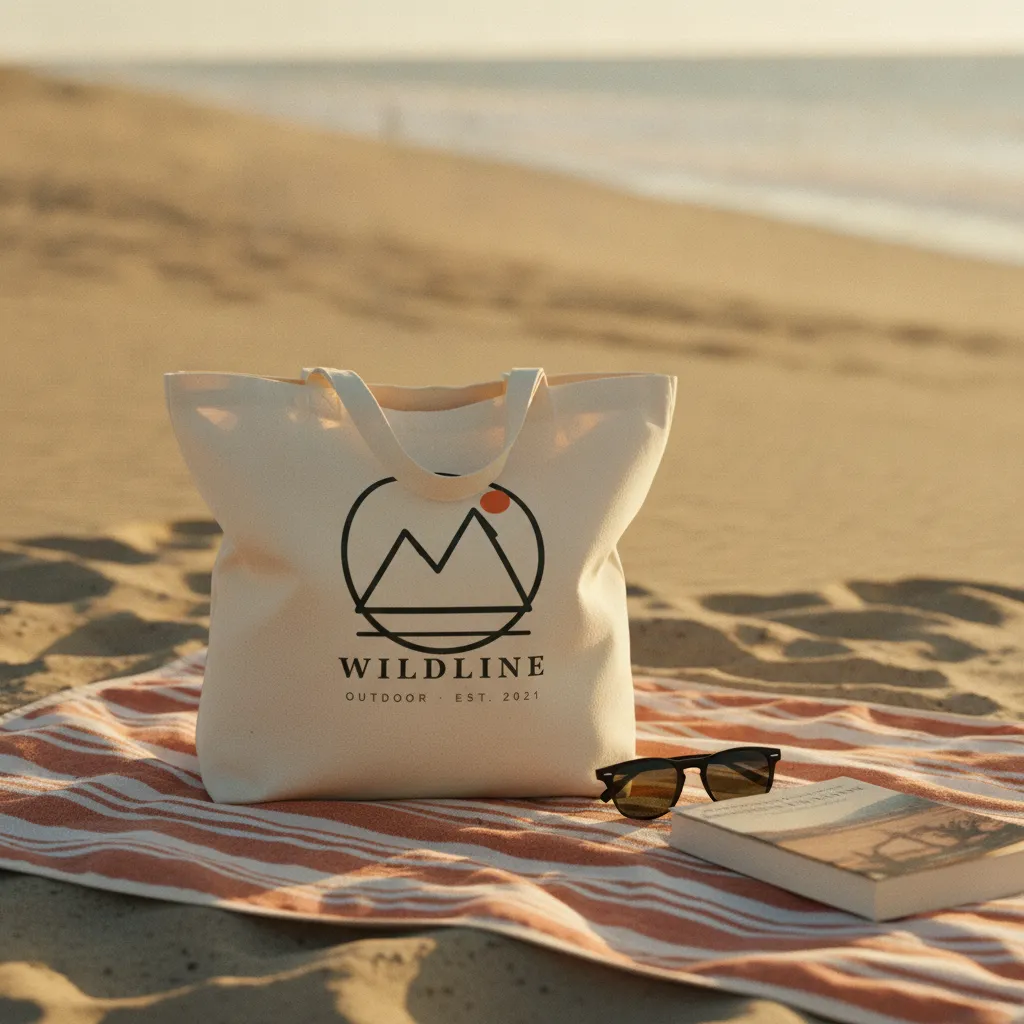
- On a beach blanket with sunglasses and book.Late morning beach light.
- Over a shoulder of a model walking in a city street.Overcast daytime light.
- On a bedroom chair with a folded sweater.Warm afternoon window light.
- On a flea-market wooden table next to a small ceramic vase of dried flowers.Overcast outdoor daylight, no direct sun.
- Placed on a hotel-room luggage rack next to a pair of leather sneakers.Soft hotel-window daylight, slight cool cast.
A tote bag sells the life around it, not the bag
Nobody scrolls Etsy hunting for a blank cotton bag. They're picturing the version of themselves who carries it - to the market on a Saturday, to the co-op, to a friend's for coffee. A flat cutout on white can't carry that. It shows a shape and a print and asks the buyer to do the imagining. Most won't bother.
A lifestyle photo does the imagining for them. When your tote is slung over a shoulder with a baguette poking out, or sitting open on a cafe chair, the buyer stops evaluating a product and starts seeing a scene they want to be in. That's the difference between "nice print" and "add to cart."
It also answers the boring questions that otherwise turn into a message or a return. A bag shot in a real hand shows how big it is, how the straps sit, how the print reads from across a room. Answer that in the carousel and the sale closes faster.
Where tote mockups fall apart - and why we render, not paste
Template mockups treat a tote like a flat billboard. They drop your artwork onto a smart-object rectangle, and the giveaway is everywhere: the print stays dead straight while the fabric behind it clearly folds, the weave doesn't run through the ink, and the handles hang like they were drawn with a ruler. It reads as a sticker on a bag, not a bag.
Hauld builds the tote from scratch every time on Gemini 2.5 Flash Image, so your design sits on the surface instead of floating above it. The cotton-canvas weave shows through the print the way real screen ink does. And that soft slump a tote takes when it hangs off a hook or sags with a bit of weight bends the artwork with it, so the print creases and catches light exactly where the cloth does.
Placement is the other tell. A print blown up edge-to-edge warps around the seams and looks fake fast. The design stays on the front face of the bag, where a screen print would land. And the prompt asks the model to keep your artwork as uploaded, without adding a leaf, a texture, or an icon your file didn't contain; check each photo and regenerate a miss, up to 5 times per haul.
Prepping your tote design for the carousel
Upload the same flat artwork you'd send a printer - a PNG or SVG on a transparent background, sized so the design fills about half the bag face. Skip the pre-warped or pre-shadowed versions; Hauld renders the fold, weave, and drape itself, so a clean flat file gives the cleanest result. One design per batch, so if you sell a double-sided tote, run the back as a second haul.
The five scenes fill an Etsy or Shopify carousel without you shooting a thing. Lead with the market-table or city-street shot as your thumbnail - the one that sells the moment - then follow with the coat-hook frame so the print reads flat and true, plus the beach-blanket and bedroom-chair frames for buyers who want a few angles before they commit. That spread covers both "what's it look like in real life" and "what does the print actually look like" in one scroll.
Run the free watermarked preview on your actual design before you pay a cent. If one of the five doesn't land, regenerate that single photo - up to five per haul - instead of redoing the batch. The free plan gives you 10 photos a month, two totes' worth, and a $9 pack of 30 covers a few more listings with room to test.
A template, or a rendered scene.
Template mockup tool
Your design on a stock photo
- The same tote bag template is open to every subscriber
- Often a centered product on a plain ground
- Usually a monthly subscription before you get a clean file
- You pick and place each scene yourself
Hauld
10 free photos every month
- Every tote bag rendered from scratch
- Off-center, lived-in scenes
- Free plan, no card; paid plans from $9
- Five scenes per haul, chosen for you
Common questions on AI tote bag mockups.
Does the design wrap right around the canvas?
Yes — the AI renders the tote each time with the design printed on the canvas, including the natural fabric texture and slight drape.
Can I do double-sided totes?
One design per batch. For double-sided, run a second batch with the back design.
How big are the output files?
2048px JPG on paid plans (1024px on the free plan), usually under 1 MB each. Plenty for Etsy carousels and ads.
Other products.
See it on your own tote bag design.
One free watermarked preview, no signup. If the photo works for your shop, a free account gives you 10 photos a month.